
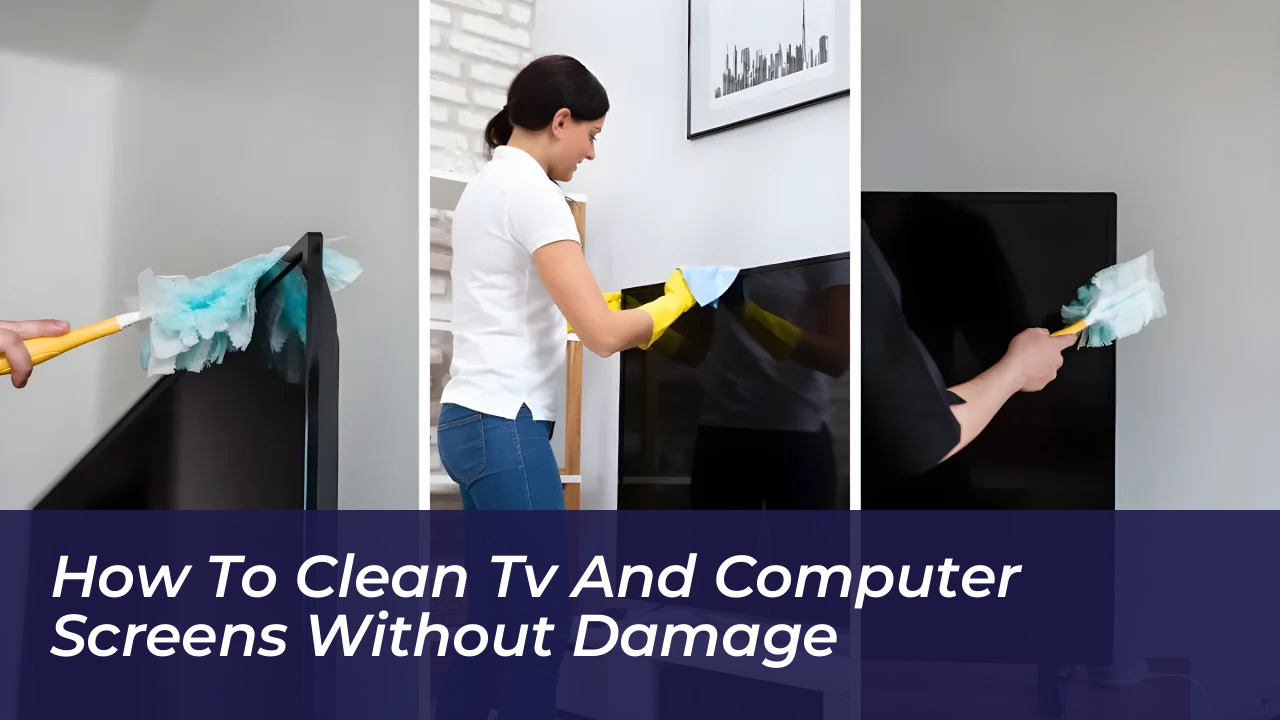

The screens of our televisions, monitors, and laptops are delicate and easily accumulate dust, fingerprints, and everyday grime. When trying to get them looking spotless, it is very common to make mistakes that achieve the opposite effect: scratching the glass or irreversibly damaging the anti-reflective and anti-glare coatings on LED, OLED, QLED, or LCD panels. To keep your devices pristine without putting their operation at risk, follow this guide to clean your screens safely.
Why Wrong Cleaners Ruin Anti-Glare and AR Coatings
Modern screens rarely present bare glass. Manufacturers apply thin optical layers that reduce reflections, cut fingerprint oils, and keep blacks looking deep. Those layers are soft compared to tempered glass. Abrasive paper fibers can dig microscopic scratches, while ammonia and strong solvents dissolve or cloud the coating.
According to major hardware manufacturers like Dell, HP, and Samsung, improper cleaning methods can cause physical defects such as:
- Milky film or cloudy patches
- Uneven dark shades and color fading
- Surface peeling and deformation
- Permanent haze from alcohol-based or ammonia-based window sprays
In fact, many manufacturers classify this damage as Customer Induced Damage (CID), which falls outside standard warranties.
Cleaning Materials: What to Use vs. What to Avoid
You need very few supplies to clean a screen properly. The golden rule across major tech brands is simple: use a clean microfiber cloth and distilled water.
What to Use:
- Clean Microfiber Cloth: Designed for delicate work like cleaning eyeglasses or camera lenses. Keep one for dry dusting and another for damp cleaning. Wash them without fabric softener to avoid greasy residues.
- Distilled or Deionized Water: Tap water carries minerals like calcium and magnesium that leave white spots after evaporation, prompting users to scrub harder and scratch the surface.
- Approved Commercial Screen Cleaners: Non-abrasive, alcohol-free, and ammonia-free solutions formulated specifically for electronic displays.
What to Avoid:
- Paper towels, facial tissues, kitchen towels, and old cotton t-shirts (contain rigid microfibers that scratch panels).
- Isopropyl alcohol or rubbing alcohol (unless explicitly permitted by your specific model’s manual for emergency stain removal).
- Glass cleaners (Windex), window sprays, multipurpose cleaners, acetone, ammonia, or benzene.
Step-by-Step Guide: How to Clean TV and Computer Screens
Follow this safe, step-by-step procedure to remove smudges without damaging internal electronics or exterior coatings:
- Power Off and Unplug: Turn off the device and disconnect the power cord. A dark, cold screen makes it much easier to spot grease, smudges, and dust while eliminating electrical safety risks and static attraction.
- Dry Dust First: Use a clean, dry microfiber cloth to wipe the surface gently using light, even strokes. Never dig at grit or apply heavy pressure.
- Dampen the Cloth (If Needed): If oils or fingerprints remain, lightly dampen a corner of your microfiber cloth with distilled water. It should feel cool and barely damp, never soaking wet.
- Never Spray Directly: Always apply liquid to the cloth, never directly onto the screen. Direct spray can roll down the edges, penetrate internal seals, and cause short circuits or backlight corrosion.
- Lift Smudges Gently: Hold the damp section of the cloth on a stubborn fingerprint for a few seconds to soften the oil, then wipe gently. Avoid scrubbing or pressing hard to prevent internal pressure marks.
- Air Dry and Buff: Allow the screen to air dry for a couple of minutes, or buff it lightly with a second dry microfiber cloth. Reconnect power only when the edges are completely dry.
Special Care for Laptops, OLEDs, and Matte Panels
Different display technologies require minor adjustments to your cleaning routine:
- Laptops: Clean the keyboard path before closing the lid to prevent keys from transferring oils and grit onto the panel. Consider placing a thin microfiber cloth over the keyboard before shutting your laptop.
- OLED TVs and Monitors: Organic light-emitting diode panels are thinner and more pressure-sensitive. Allow large, warm TV panels to cool down completely, use minimal moisture, and avoid alcohol entirely.
- Matte vs. Glossy: Matte screens hide prints better but show cleaning mistakes as shiny bald patches where the micro-texture has worn off. Use the absolute minimum amount of liquid.
Frequently Asked Questions
Can I use rubbing alcohol to disinfect my computer screen?
No. High-concentration isopropyl alcohol strips away anti-glare and oleophobic coatings, leaving permanent hazy patches or dull spots. Use distilled water and a microfiber cloth for routine screen hygiene, and reserve alcohol strictly for plastic chassis or keyboards if necessary.
What should I do if a mark will not come off?
If a dark spot or blemish does not disappear after a correct cleaning cycle, stop scrubbing. You are likely looking at an internal pressure bruise (caused by closed lids, impacts, or heavy poking) rather than surface dirt. Scrubbing harder will only worsen internal panel damage.
Is tap water safe to use on TV screens?
Tap water is not recommended because it contains dissolved minerals like calcium. When the water evaporates, these minerals leave behind white spots that can tempt you to scrub harder, potentially scratching the delicate panel surface.
How often should I clean my screens?
There is no strict rule, but a light dry dusting once a week prevents heavy grime buildup. Cleaning your displays regularly reduces the need for heavy damp cleaning and helps preserve the lifespan of your device’s protective coatings.
Can I use vinegar to clean stubborn stains?
Some manufacturers allow a 50/50 mixture of distilled water and white vinegar on a microfiber cloth for non-OLED tough stains, provided you wring the cloth thoroughly and follow up with a dry buff to eliminate lingering odors.