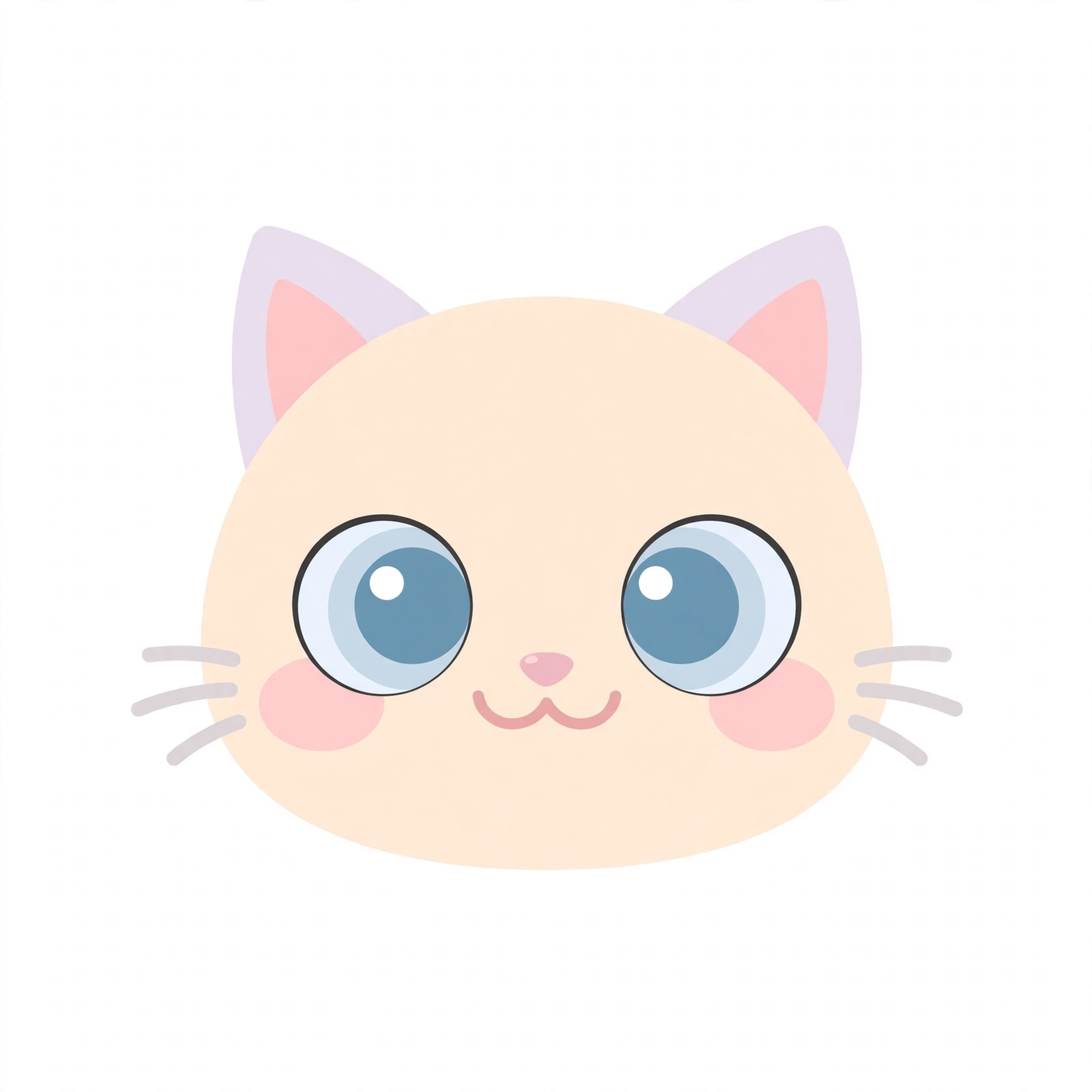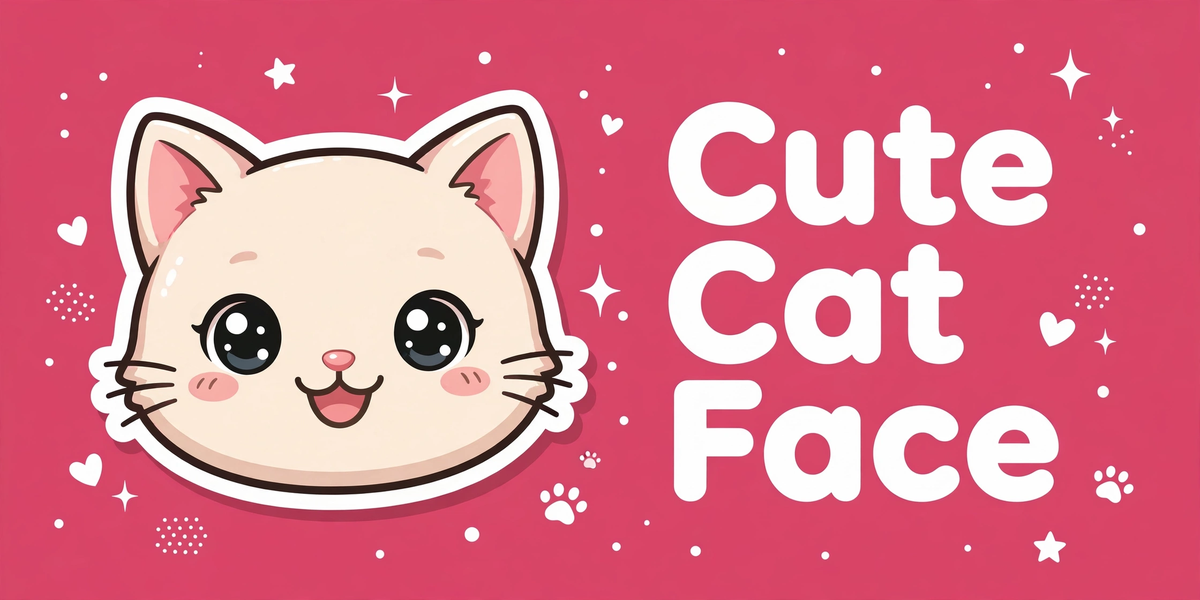
Some stickers are cute for a day and forgotten by the weekend. This one tends to stay. The Cute Cat Face is a soft cream kitten with big blue eyes, pink cheeks, and a small smile that looks happy on a laptop, a water bottle, a notebook, or a lunchbox. It is the kind of design children ask for by name and adults quietly keep for themselves.
The download is a free sticker design PNG, ready to print on sticker paper at home. There is no sign-up and no email needed. Print one for yourself, print a sheet for a birthday party, or print a few for a classroom reward box. If you enjoy animal-themed printables, our free printable coloring pages for kids with animals make a good companion activity for the same afternoon.
What you get in the download
The file is a single high resolution PNG. It prints cleanly at small sticker sizes and stays sharp if you go a little larger. Here is what is inside:
- One PNG file at 3000 by 3000 pixels, ready to print and easy to resize.
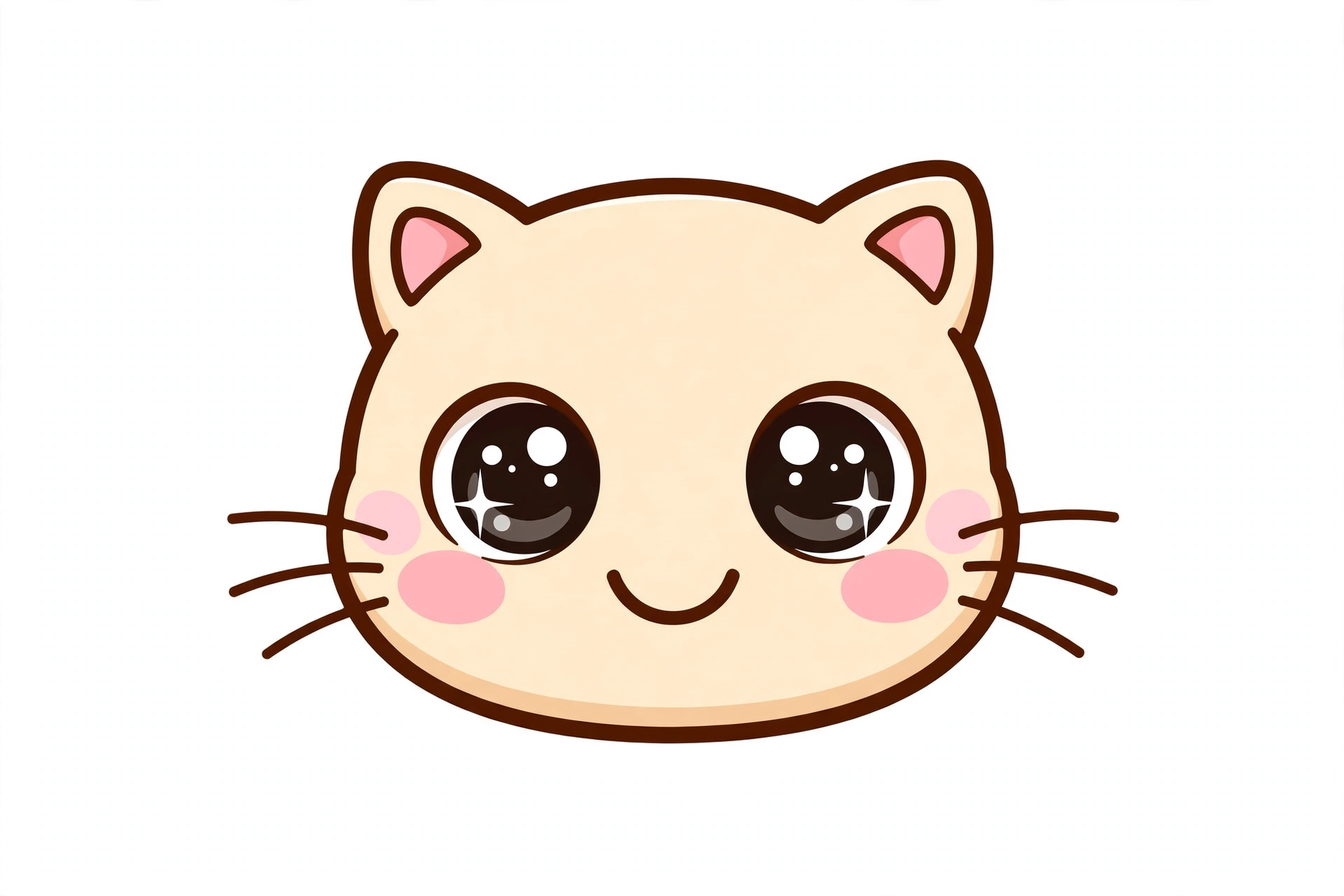
- A kawaii cat face with big blue eyes, pink inner ears, and rosy cheeks.
- Soft pastel colours that look friendly on laptops, bottles, and notebooks.
- A white background, so it prints best on white sticker paper or light surfaces.
- A square file, so you can crop it into a circle or a rounded square without losing the face.
- Free for personal use at home, at school, or as a gift.
One honest note before you print: the PNG has a white background, not a transparent one. That is the only limit of this free file. On white sticker paper the background blends in and the sticker looks just like a shop-bought one. If you use coloured paper, cut close around the cat face with scissors or a craft knife, and the white edge disappears. On a dark bottle or a black laptop lid, the white square would show, so stick to light surfaces or trim the shape neatly.
Print it at home in a few minutes
You do not need a special printer or a craft machine to make a good sticker. A normal home inkjet printer and a pack of sticker paper are enough. Follow the steps below and your first sheet should come out right:
- Download the PNG and open it in any program that can print photos.
- Set the print size. About 2 to 3 inches wide is a good size for a laptop or a bottle.
- Load sticker paper into the printer, glossy side up if your paper has one glossy side.
- Choose the best print quality and the photo paper setting in your printer menu.
- Print one test sticker first, check the colours, then print a full sheet.
- Let the ink dry for a minute before you cut, so the colours do not smudge.
If your printer has a borderless setting, turn it off for the first print. A small white margin helps you see where to cut, and you can trim it away afterwards.
Which sticker paper should you buy
Sticker paper comes in a few types, and the right one depends on where the sticker will live. The table below covers the common choices:
| Paper type | Best for | Watch out for |
|---|---|---|
| Matte sticker paper | Notebooks, journals, planners | Colours look softer, less shiny |
| Glossy sticker paper | Laptops, lunchboxes, gifts | Fingerprints show more easily |
| Vinyl sticker paper | Water bottles, outdoor use | Costs more, needs a sharp blade to cut |
| Clear sticker paper | Glass jars, windows, light bottles | The white background will still print white |
For a first try, matte paper is the safest buy. It is cheap, easy to cut, and the cat face looks warm and soft on it. If the sticker will get wet, use vinyl paper and press the edges down firmly with a clean cloth.
How it looks on your things
Here is the design stuck on a laptop lid and a water bottle. The face is large enough to spot from across a desk, and the pale cream fur stands out nicely against silver and grey. The same sticker looks just as good on a notebook cover, a pencil case, or the back of a phone case.
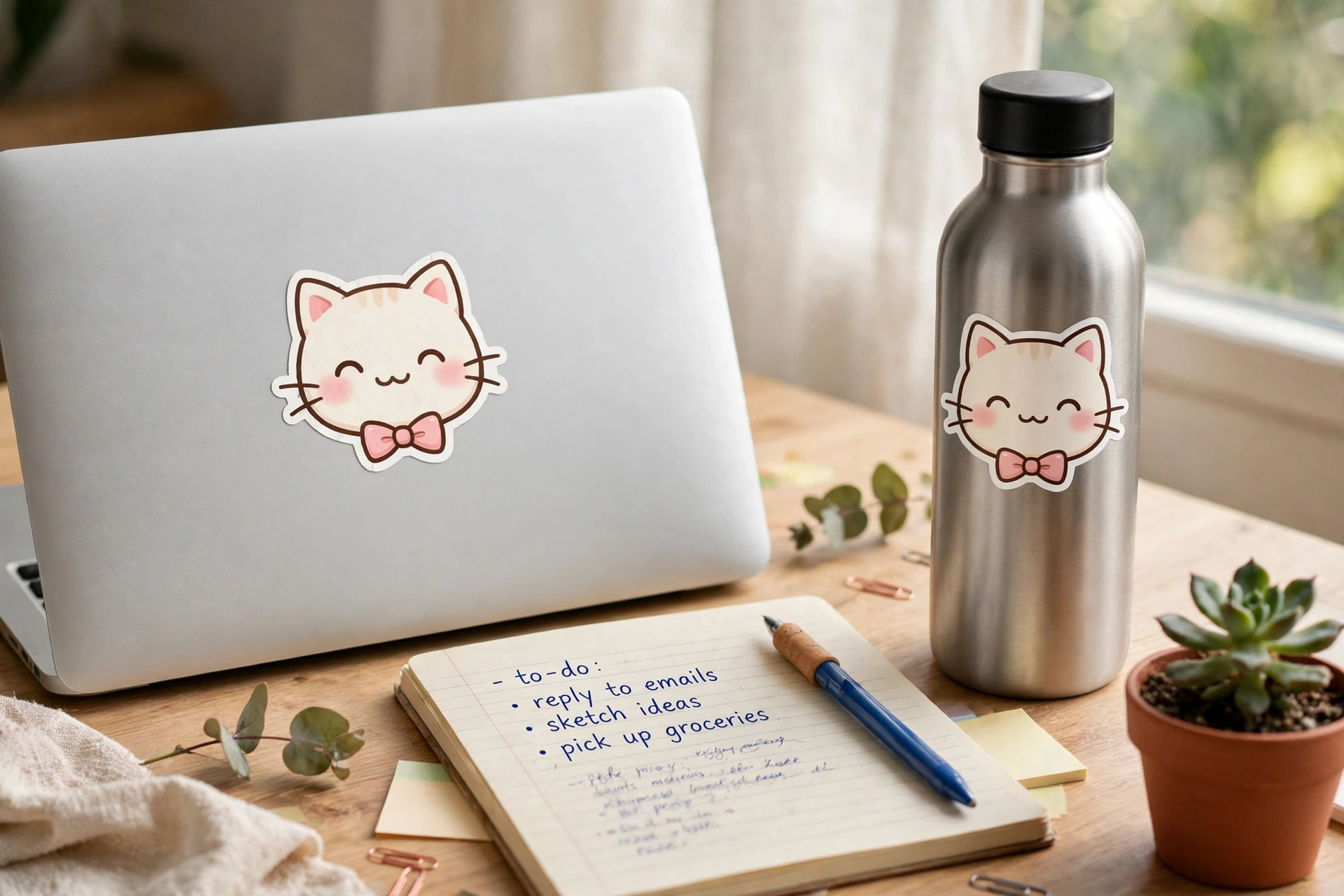
Try the sticker on different surfaces before you print a whole sheet. A quick paper print on plain paper, cut out roughly, tells you the right size for each item.
Five fun ways to use this cat
- Reward stickers: hand one out for a finished homework page, a tidy room, or a good week at school. A finished page of our number tracing worksheets 1 to 20 earns a cat on the corner.
- Reading rewards: stick one on a finished free printable reading log each time a child finishes a book.
- Party tables: use the cat on printable place cards for a cat themed birthday, so every guest finds their seat with a smile.
- Laptop and bottle decoration: build a small collection with other designs from our Sticker Designs collection and mix them on one lid.
- Gift wrap: seal a gift bag or a birthday card envelope with the sticker instead of tape.
Cutting it out neatly
A tidy cut makes a home printed sticker look professional. Sharp scissors work well for the round face, and a craft knife helps around the ears. Cut slowly and turn the paper, not the scissors, when you reach a curve. Peel the sticker from one corner and press it down from the centre outward, so air bubbles move to the edges instead of staying under the face.
Cute Cat Face: questions, answered
Is the background transparent?
No. The PNG has a white background. Print it on white sticker paper, or cut close around the cat face, and it will look like a normal die cut sticker.
What size should I print it?
About 2 to 3 inches wide works for most uses. The file is 3000 by 3000 pixels, so it stays sharp at those sizes and even a little larger.
Can I use it for a school project or a party?
Yes, for personal use at home or at school. Print as many as you need for your own family, class, or party. If you plan to sell stickers made with it, check our Terms of Use first.