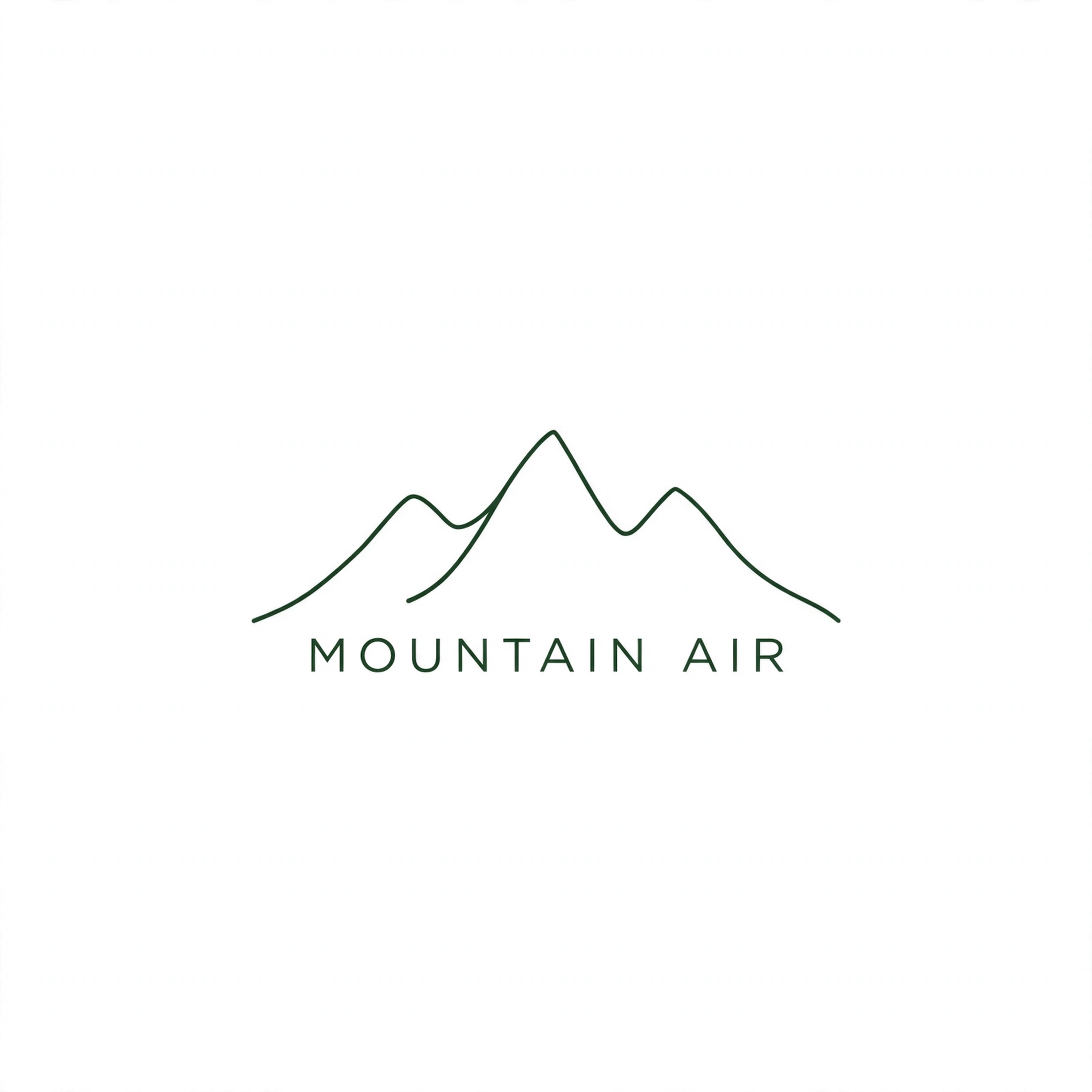
Look closely at the linework and the whole design makes sense: a single thin line rises, dips and rises again to form three mountain peaks, then settles beneath the wide-spaced letters of MOUNTAIN AIR. Placed small on the chest, it reads like a quiet note from a morning walk rather than a statement piece, and it keeps that calm feeling on white, cream or pale grey hoodies.
The file is a free hoodie design PNG, made as a small left-chest print. It prints best on a white or light-coloured hoodie, because the PNG has a solid white background, not a transparent one. On white fabric the background disappears completely, and on a pale grey or cream hoodie it blends in so well that nobody will notice it. If you love mountain art but want something bigger and bolder, our free t-shirt design PNG with vintage sunset mountains is a good next stop.
What you get in the download
The download is a single PNG file, ready to print. There is no sign-up and no email asked for. Here is what is inside:
- One PNG file at 3000 by 3000 pixels, sharp enough for a crisp chest print.
- Three thin mountain peaks in a single continuous line style, in dark pine green.
- The words MOUNTAIN AIR in small spaced capital letters below the peaks.
- Plenty of white space around the design, so you can crop or scale it freely.
- A square file, easy to resize without losing its shape.
- Free for personal use at home, at school, or as a gift.
Why a small chest print works so well
A big print across the chest can feel loud, and it can crack or fade faster because so much ink sits on the fabric. A small chest logo avoids both problems. It uses less ink, it flexes with the fabric instead of fighting it, and it looks like something a real outdoor brand would sell. People notice it up close, which makes it feel like a quiet detail rather than a billboard.
This style suits almost everyone. It works on a plain hoodie for a weekend walk, on a work-from-home hoodie, or as a gift for someone who loves hiking and fresh air. If you prefer a bigger statement piece, try our free hoodie design PNG with an oversized vintage sunset instead. For a matching wall print, our free poster design PNG that says Dream Big pairs nicely with the same mountain mood.
Picking the right hoodie colour
Because this PNG has a white background, the colour of your hoodie matters more than usual. White is the safest choice, and the print will look exactly like the preview. Pale grey, cream, stone, and very light sage also work well, since the white edge of the file blends into the fabric.
Dark hoodies are a different story. On a dark green or black hoodie, the white background will show as a visible white square around the mountains, which ruins the minimal look. If you only have a dark hoodie, you have two good options: print the design on light iron-on transfer paper and trim close around the peaks and letters, or ask your print shop to remove the white background for you. Either way, test on one hoodie first before you print a batch. And if you wear your finished hoodie out on the trails, our free printable workout log PDF is a handy way to track your walks and hikes.
Printing the design at home
You can print this design at home with iron-on transfer paper and an ordinary inkjet printer. Follow these steps for a clean result:
- Download the PNG and open it in any image viewer or design program.
- Flip the image horizontally, so the text reads correctly after ironing. This step matters: transfer paper prints in mirror image.
- Load light-fabric transfer paper into your printer, print side up.
- Set your print quality to Best or High so the thin mountain lines stay crisp.
- Let the sheet dry for a minute, then cut close around the peaks and the words, leaving a border of about 2 to 3 millimetres.
- Iron the transfer onto the left chest of the hoodie, following the paper instructions for heat and time, then peel while it is still warm if the paper says so.
Place the print about 10 to 12 centimetres below the shoulder seam and a few centimetres in from the centre, on the wearer’s left side. Hold the hoodie up and check the position in a mirror before you press the iron down. A test print on plain paper, held against the hoodie, costs nothing and saves a ruined transfer sheet.
How it looks on a real hoodie
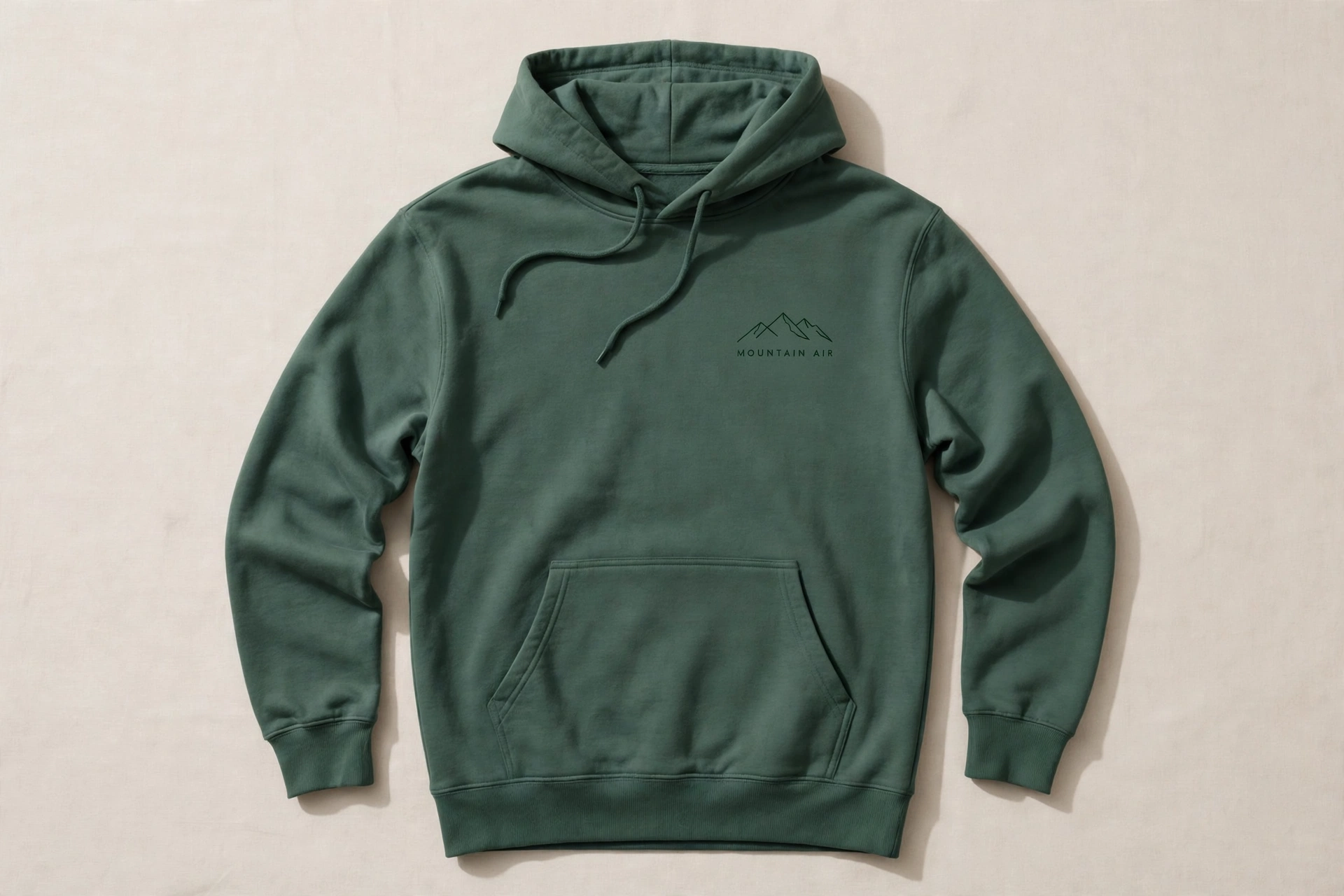
Here is the Mountain Air logo printed small on the left chest of a deep-green hoodie. The thin dark lines read clearly against the green, and the small size keeps the whole hoodie looking calm and tidy. On a white hoodie the effect is even softer, because the white background of the file melts into the fabric and only the peaks and letters remain visible.
Sizes that suit a chest logo
A chest logo should be small enough to feel like a detail, not a poster. Use the table below as a guide when you set your print size:
| Print width | Best for | Notes |
|---|---|---|
| 8 to 9 cm | Small sizes, children’s hoodies | Delicate and neat, keep the lines crisp |
| 10 to 12 cm | Most adult hoodies | The classic chest logo size |
| 13 to 15 cm | Oversized hoodies | Still small, but easier to read from a distance |
Measure before you print. Hold a ruler against the chest of the hoodie and mark the width you want with a little tape. If you go bigger than 15 centimetres, the design stops looking like a chest logo and starts looking like a front print, which is fine too, but it is a different look.
Mountain Air: questions, answered
Is the background transparent?
No. The PNG has a solid white background, so it prints best on white or light hoodies. On a light hoodie the white blends in; on a dark hoodie, trim close around the design or have the background removed first.
Do I need to flip the image before printing?
Yes, if you use iron-on transfer paper. The transfer prints in mirror image, so flip the PNG horizontally before you print, or the words MOUNTAIN AIR will read backwards on the hoodie. If a print shop is doing the work with vinyl or direct-to-garment printing, they will handle this for you.
Can I make the logo bigger for the back of the hoodie?
Yes. The file is 3000 by 3000 pixels, so you can scale it up for a back print and the thin lines will stay sharp. A larger version on the back, with the small chest logo on the front, makes a nice matched set.
For more designs in this style, browse the full Hoodie Designs collection.