
The palm tree in this design leans to the right, the way a real palm leans toward the sea after years of wind. That small lean is the whole idea: the feeling of warm sand at the end of a long day, waves rolling in. The words OCEAN LOVER sit above BEACH DAYS in big rounded blue letters, with curling waves, a golden sun, and one leaning palm around them.
The file is free to download, and you do not need to sign up or share an email address. It prints best on a plain white or very light cotton tee, where the white background disappears into the shirt. If you like sea shirts, our free t-shirt design PNG, Retro Wave Sunset is a good companion piece, and our free t-shirt design PNG, Stay Wild, Moon Child suits the same summer mood. Browse the whole T-Shirt Designs collection for more.
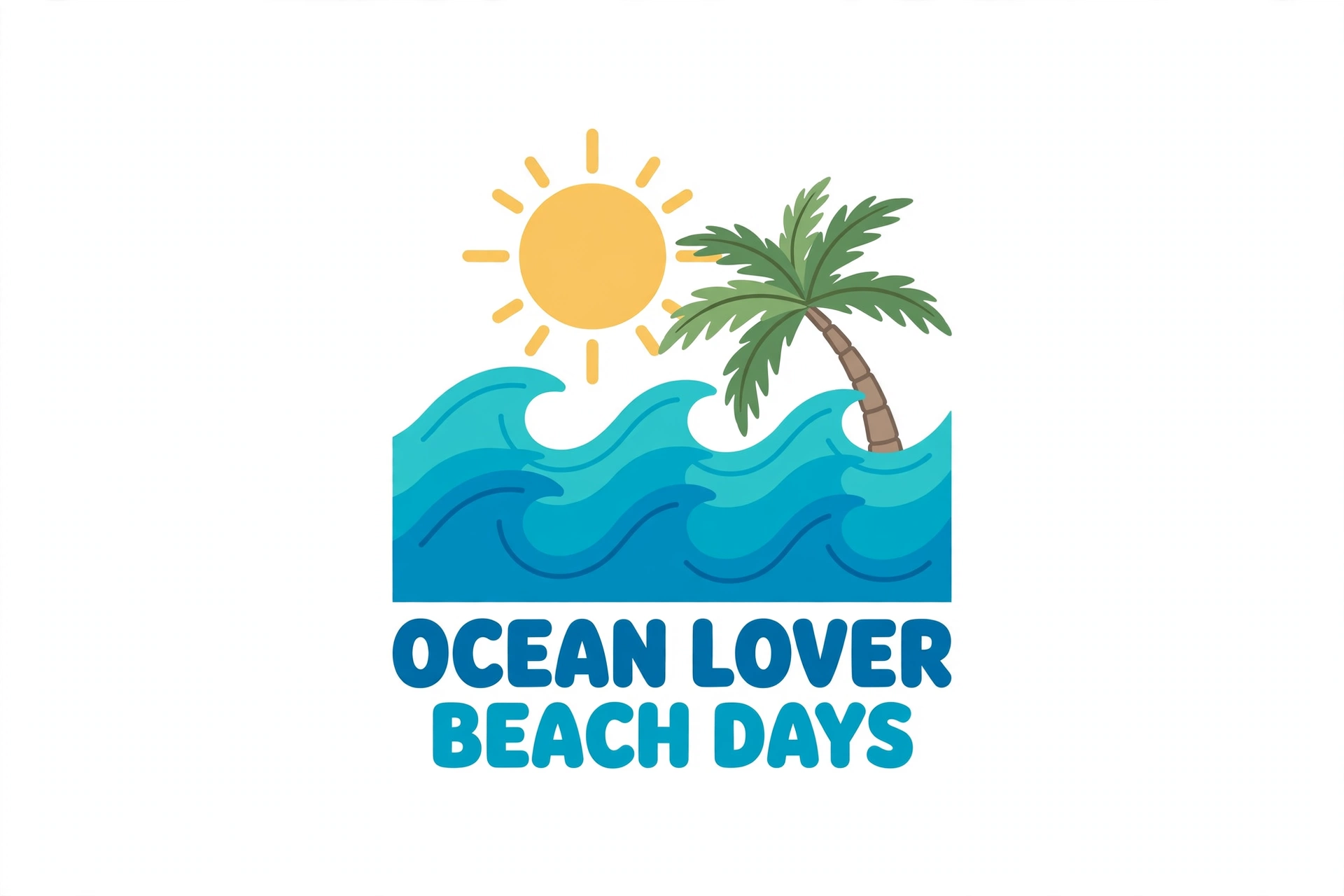
What is inside the picture
Every part earns its place. The picture uses only a few shapes, so it stays clear at any print size.
- Three curling waves in deep blue, mid blue, and turquoise.
- A round golden sun with short straight rays, high above the waves.
- One palm tree leaning in from the right, with a brown trunk and green fronds.
- The words OCEAN LOVER in large rounded capitals, with BEACH DAYS below in a smaller size.
- Sandy yellow details in the sun and under the letters.
Picking the right shirt for the print
A white cotton tee is the safest choice, and it is the one this design was drawn for. The file has a white background, so on a white shirt its edges vanish and only the waves, sun, palm, and letters show. A very pale blue or pale sand shirt works almost as well.
Printing it at home in 5 steps
Print it at home with an inkjet printer and iron-on transfer paper, or send the PNG to a local print shop.
- Download the PNG file using the button above. It is 3000 by 3000 pixels, so it stays sharp at chest size.
- Buy iron-on transfer paper made for light fabrics, and check whether it needs the image mirrored first.
- Print a test copy on plain paper first, to check the size and that the letters read the right way round.
- Print on the transfer paper, trim close to the design, and place it face down on the shirt.
- Press with a hot iron for the time your paper asks for, let it cool, then peel the backing off slowly.
If you use a print shop, ask for a direct to garment print on a white tee. That method handles the fine wave lines better, and the colours last longer through washing.
Shirt colours that work, and one that does not
The colour of the shirt changes the whole look, so choose with care.
| Shirt colour | Works? | Why |
|---|---|---|
| White | Yes, best | The white background blends in completely |
| Pale sand or cream | Yes | Warm and beachy, white edge barely shows |
| Pale sky blue | Yes | Matches the waves, letters lose a little contrast |
| Light grey | Okay | Works, but the design looks cooler and less sunny |
| Dark navy or black | No | The white square would show clearly |
How it looks
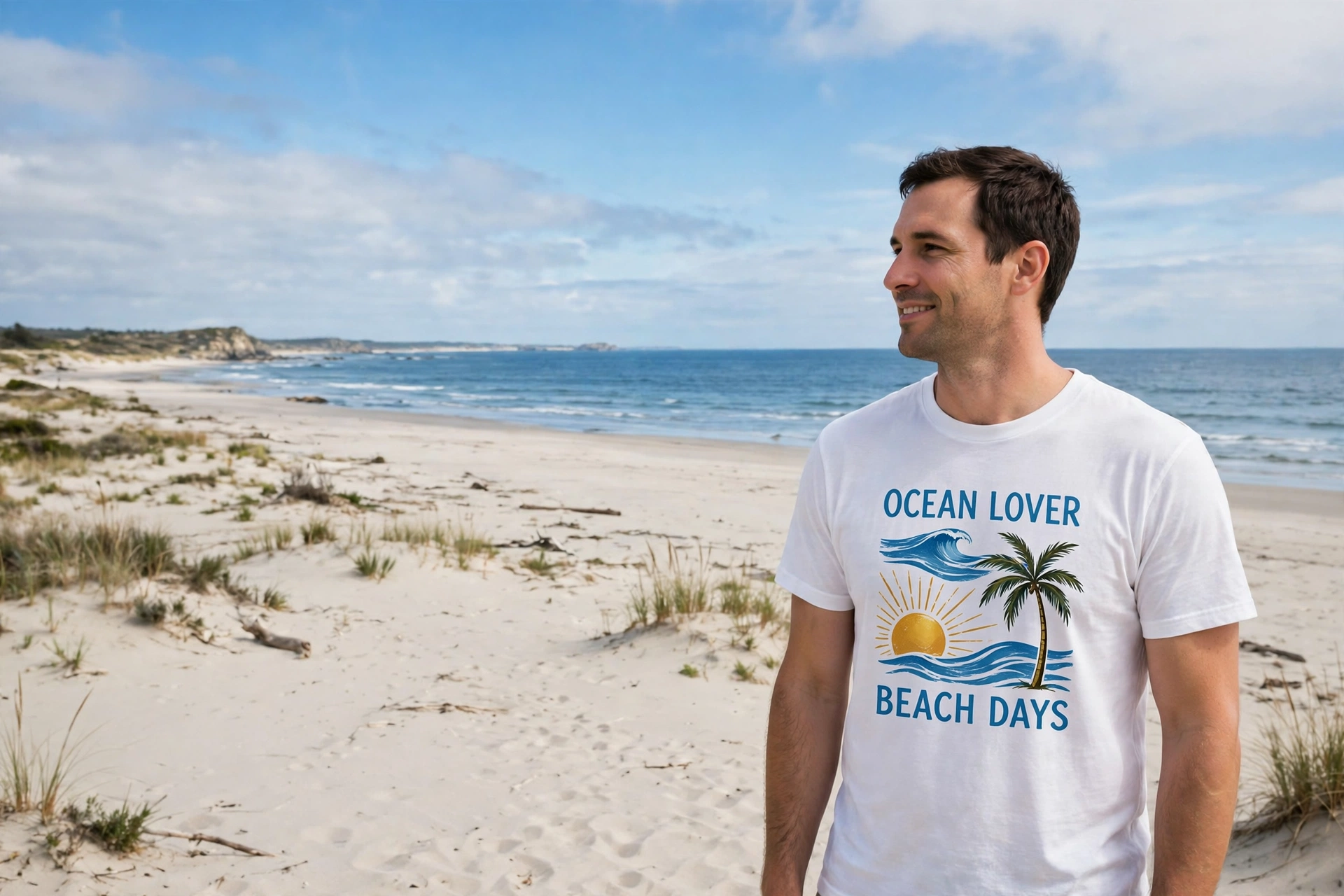
Here is the design printed on a white cotton tee, worn on a sandy beach with the sea behind it. The blue waves and lettering stand out clearly against the white fabric, the golden sun reads warm in bright daylight, and the palm tree gives the chest print a tall shape. It looks like a shirt bought at a beach shop.
One honest note about the white background
Please note one honest detail about this file. The design has a solid white background, not a transparent one. Our image tool cannot produce transparency, so the PNG you download is a white square with the waves, sun, palm tree, and letters drawn on it. Print it on a white or very light shirt, and the white blends into the fabric.
Two things are worth avoiding. First, do not print it on a dark shirt, because the white square would show as a pale box. Second, trim the transfer paper close to the waves and letters, so no wide white border stays around the picture. If you need a truly transparent version, remove the white background with a free background remover tool first.
Quick answers before you print
Can I print this on a dark coloured t-shirt?
It is best not to. The file has a solid white background, so on a dark shirt the white square would show.
What size should I print?
About 10 to 11 inches wide suits most adult tees, and about 7 to 8 inches suits a child tee.
Will the print survive washing?
Yes, if you wash the shirt inside out in cold water and let it air dry. Avoid a hot dryer, which fades iron-on prints fast.
Can I use it for a shirt I sell?
This file is shared for personal use, so print it for yourself or as a gift. For shirts you plan to sell, check the site terms first.
Wearing it beyond the beach
Leave this shirt in the holiday bag and it only gets one week a year. On a white tee the waves and palm read as a holiday memory rather than a costume, so it works on ordinary days too, as long as the rest of the outfit stays plain. Blue denim, white shorts, and sand coloured trousers all let the print do the talking, while a busy pattern underneath would fight it for attention.
- With denim shorts and sandals for a walk by the sea, or for a garden lunch on a warm day.
- Under an open linen shirt in the evening, so the waves show at the chest and the sleeves stay covered.
- Tucked into white or pale blue shorts for a boat trip, where a loose tee catches the wind less.
- As a matching shirt for a family beach day, with the same print in different sizes for adults and children.
- As a sleep shirt or a cover up over swimwear, because white cotton dries fast and stays cool.
The print suits relaxed fits best. A boxy or classic fit leaves the waves flat across the chest, while a very tight fit pulls the palm and the letters out of shape. If the shirt is oversized, fold the sleeves once and leave the hem loose, which keeps the design visible instead of bunched at the waist.
Getting the print size right for different shirts
Print size is the part most people guess at, and a guess is easy to fix before the iron touches the shirt. The file is square, 3000 by 3000 pixels, so it stays sharp when it is printed large, but a large print on a small shirt still looks wrong. Measure the shirt first, then decide, and print a paper test at the size you plan to use.
- Lay the shirt flat and measure across the chest, from one side seam to the other, then halve that number to find the space the print can fill.
- For most adult tees, aim for a print about 10 to 11 inches wide, which leaves a clear border of plain fabric on each side.
- For a child tee, aim for 7 to 8 inches wide, and check that BEACH DAYS still reads clearly from a few steps away.
- For an oversized or boxy tee, go one inch wider than the usual adult size, because the extra fabric spreads the print out.
Cut the paper test to size and hold it against the shirt before you print on transfer paper. Move it up or down until the sun sits above the middle of the chest, not too close to the collar and not down near the hem. A minute spent here saves a shirt that is printed well but placed badly.