
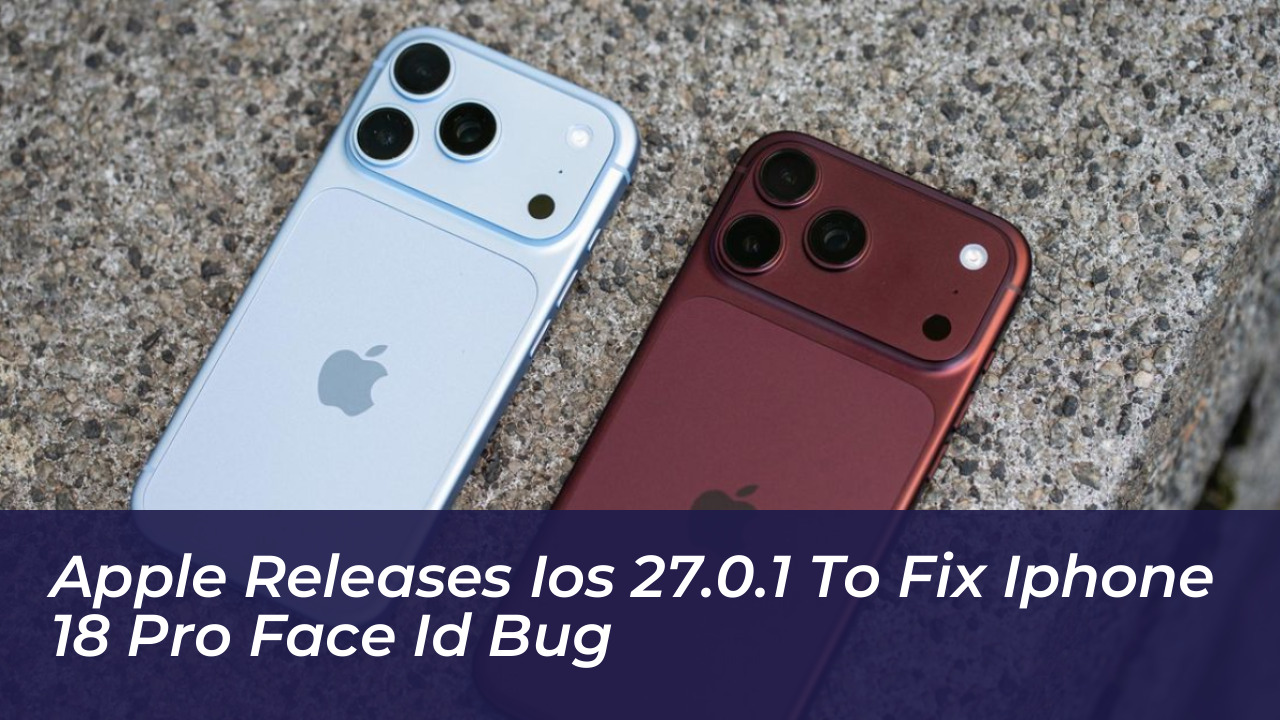
Apple has officially released iOS 27.0.1, delivering critical bug fixes tailored to address unexpected system reboots on the flagship iPhone 18 Pro and iPhone 18 Pro Max models. Rolling out on September 28, 2026-just two weeks after the public rollout of iOS 27-the point update also resolves specific camera color artifacts and a touchscreen unresponsiveness glitch.
Resolving the iPhone 18 Pro Face ID Restart Glitch
The primary focus of iOS 27.0.1 is a persistent issue where iPhone 18 Pro and iPhone 18 Pro Max units experienced sudden, unexpected system restarts. According to Apple’s official release notes, these crashes were triggered when Face ID failed to authenticate correctly.
Within 24 hours of the newest iPhone lineup hitting shelves, early adopters reported freezing and sudden reboots when facial recognition failed during app unlocks or setup procedures. Users also encountered “Face ID is Not Available” warnings and inconsistencies with the “Require Attention for Face ID” configuration. While early hardware teardowns revealed that Apple relocated the infrared camera beneath the display for the iPhone 18 Pro series, Apple confirmed that the problem was entirely software-related and solvable via an over-the-air update.
Additional Fixes Included in iOS 27.0.1
Aside from patching the Face ID reboot issue, the minor point update introduces corrections for two other prominent system bugs:
- Camera Color Artifacts: Resolves an issue affecting a small subset of iPhone 18 Pro and iPhone 18 Pro Max devices, where a color artifact occasionally appeared in photos captured using the 2x camera under precise lighting conditions at f/1.48.
- Touchscreen Freeze: Fixes a glitch where opening the Notification Center and Control Center simultaneously caused the device touchscreen to temporarily become unresponsive.
The update also addresses a viral gesture-based glitch that caused early iOS 27 adopters to experience partial device unresponsiveness, requiring a manual reboot to restore normal function.
How to Download and Install iOS 27.0.1
The iOS 27.0.1 update is available globally for all compatible iPhone models capable of running iOS 27. Users can check for and install the software update by taking the following steps:
- Open the Settings app on your iPhone.
- Select General.
- Tap on Software Update and follow the on-screen prompts to download and install.
Apple has also released concurrent software updates including iPadOS 27.0.1, visionOS 27.0.1, and legacy fixes such as iOS 26.7.1 to ensure cross-device stability and safety.
Frequently Asked Questions
What does iOS 27.0.1 fix?
iOS 27.0.1 primarily fixes unexpected iPhone 18 Pro and iPhone 18 Pro Max restarts caused by Face ID authentication failures. It also corrects a camera 2x photo color artifact bug and a touchscreen freeze issue when opening Notification Center and Control Center simultaneously.
How do I download iOS 27.0.1?
You can download the update over-the-air by going to Settings > General > Software Update on your compatible iPhone.
Is iOS 27.0.1 available for all iPhones?
While the specific bug fixes target the iPhone 18 Pro lineup, iOS 27.0.1 is available to download for all devices currently running iOS 27.
Does iOS 27.0.1 include security patches?
Apple’s release notes for iOS 27.0.1 do not list any published CVE security vulnerability entries, as the release is heavily focused on functional bug fixes. However, Apple concurrently released iOS 26.7.1 for older software versions to patch critical CoreGraphics vulnerabilities.