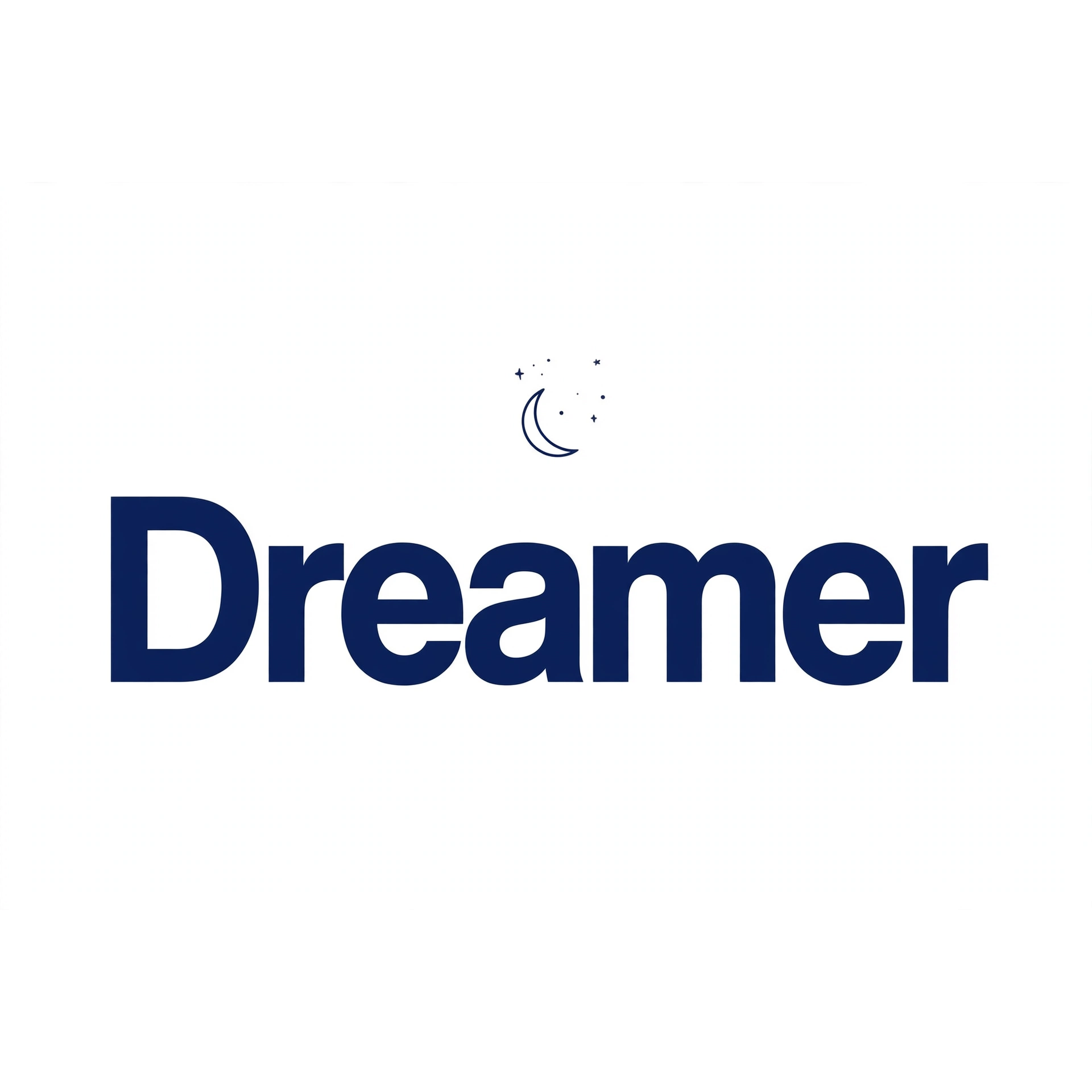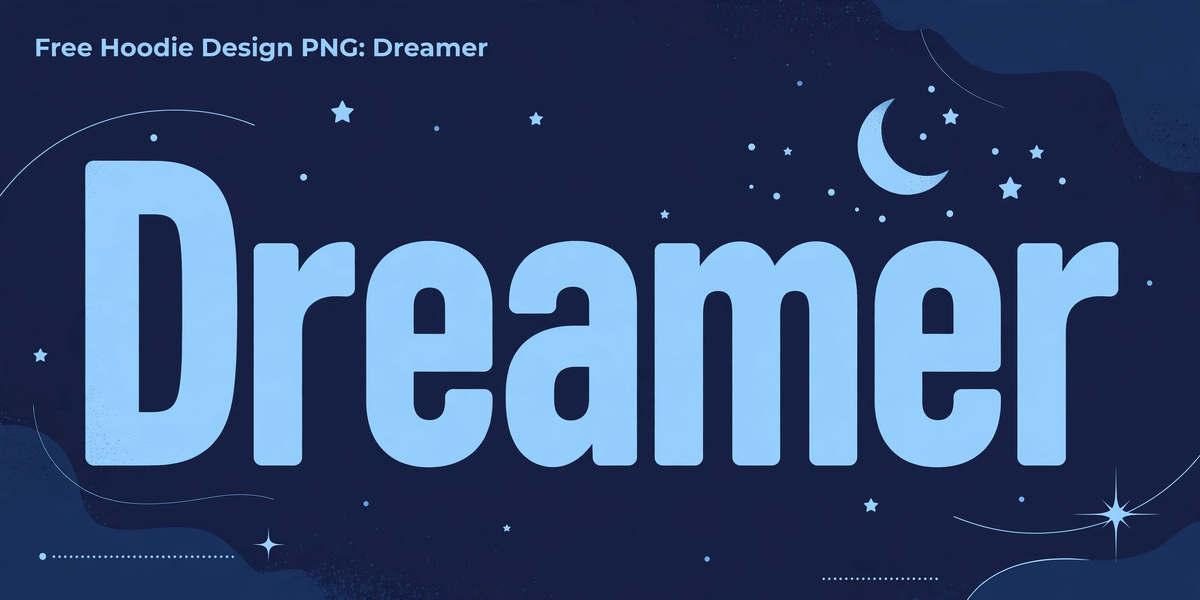
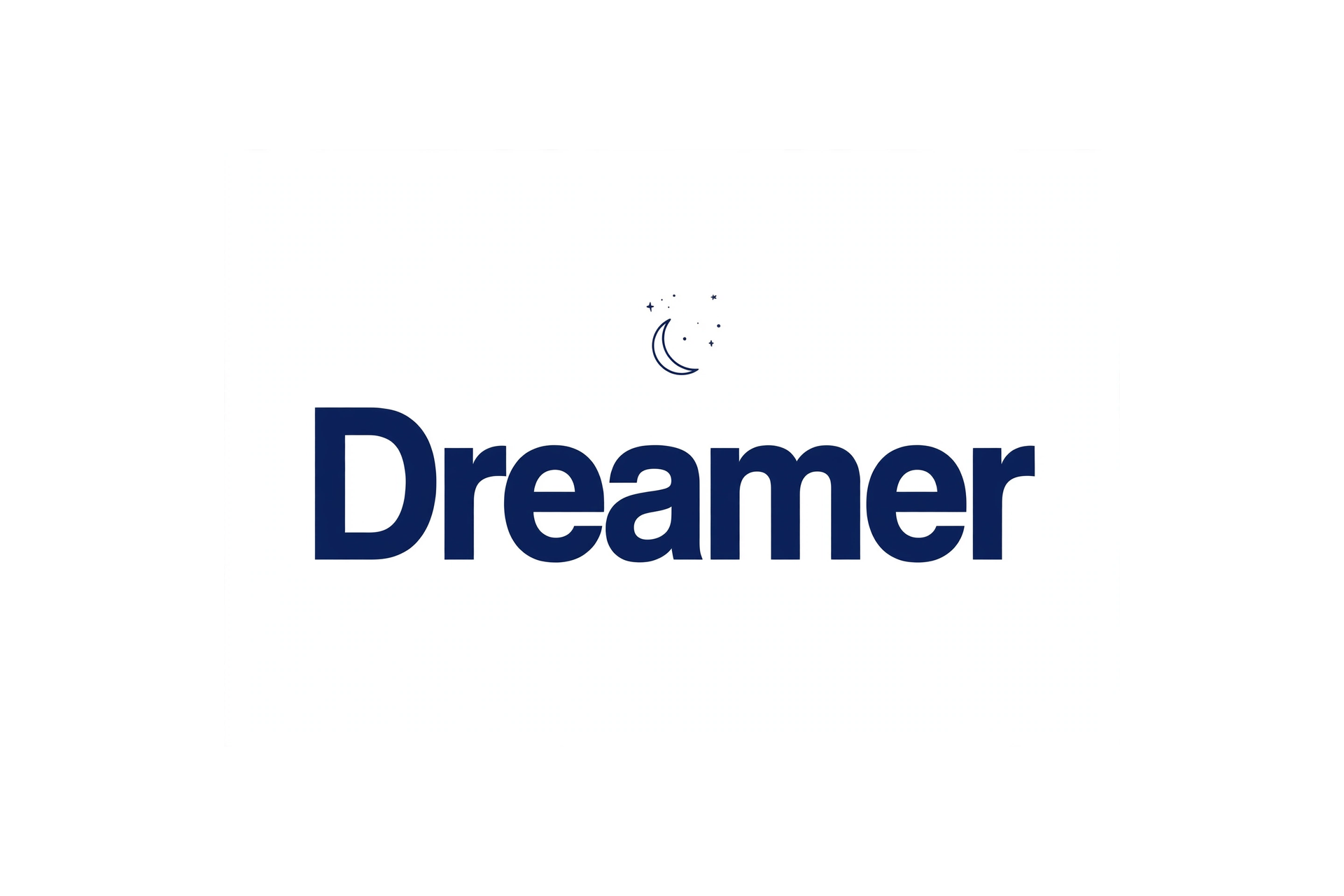
At full size, each letter is tall enough to read from across a room. That is the whole point: DREAMER in huge, bold navy letters that stretch right across the chest, with a small crescent moon and a scatter of tiny stars floating above it. No busy graphics, no extra text, just one word and a night sky.
The oversized type is the whole point of this design. At full size, each letter is tall enough to read from across a room, which gives the hoodie a confident, streetwear feel without any shouting colours. The navy lettering keeps it classic, and the little moon and stars stop it from feeling plain. If you like bold chest prints, our free hoodie design PNG, Oversized Vintage Sunset is another big statement print in the same spirit, while our free hoodie design PNG, Minimal Chest Logo Mountains is the quieter option for days when you want something smaller.
What you get in the download
The download is one PNG file, ready to print. There is nothing else to install and no account to create. Here is what is inside:
- One PNG file at 3000 by 3000 pixels, sharp enough for a full chest print.
- The word Dreamer in big, bold, oversized navy letters.
- A small crescent moon and tiny stars above the lettering.
- A clean, minimal layout with plenty of white space around the design.
- A solid white background, so it prints best on a white or light hoodie.
- Free for personal use at home, at school, or as a gift.
Sizing the print: how big should Dreamer be?
Oversized type only works if it is actually oversized. Print it too small and it looks like a shy logo; print it too wide and the letters run into the sleeves. Measure the chest of your hoodie from one armpit seam to the other, then pick a print width from the table below. The design is wider than it is tall, so it sits well across a chest.
| Hoodie size | Chest width | Suggested print width |
|---|---|---|
| Small | About 20 inches | 10 to 11 inches |
| Medium | About 22 inches | 11 to 12 inches |
| Large | About 24 inches | 12 to 13 inches |
| Extra large | About 26 inches | 13 to 14 inches |
| 2XL and up | About 28 inches or more | 14 to 15 inches |
Place the top of the design about 3 inches below the neckline, so the moon sits high on the chest and the word fills the space between the shoulders. If you are printing for a child, halve these widths and check the fit with a paper template first. A quick paper test costs nothing and saves a ruined hoodie.
Print it in seven steps
Most people print this design with heat transfer vinyl or an iron-on transfer sheet, both of which work well with a home iron or a small heat press. The steps below use a standard iron-on transfer:
- Download the PNG and open it in your printer software. Mirror the image if your transfer paper asks for a mirrored print, and set the print size from the table above.
- Print the design on iron-on transfer paper for light fabrics, using your printer’s best quality setting.
- Let the print dry for a few minutes, then trim the paper close to the letters and the moon so no extra white edge shows.
- Preheat your hoodie with the iron for about 10 seconds to smooth out wrinkles and drive off moisture.
- Lay the transfer face down on the chest, about 3 inches below the neckline, and press firmly with the iron for 30 seconds, moving slowly so every letter gets even heat.
- Let the paper cool for a minute, then peel it back slowly from one corner while holding the fabric flat.
- Turn the hoodie inside out and press the back of the print for 10 more seconds to set the transfer properly.
If you use heat transfer vinyl instead, cut the design with a cutting machine, weed away the spare vinyl, and press it at the temperature your vinyl brand recommends. The bold letters are easy to weed because there are no thin lines or tiny details to lose. Always test on an old shirt first if you have never pressed a transfer before.
Five ways to style a Dreamer hoodie
One word in navy goes with almost anything, which is why this design is easy to wear. Here are five outfits that work straight away:
- With light wash jeans and white trainers for an easy everyday look that suits the white or light hoodie the design prints best on.
- Layered under a denim jacket, with the big letters peeking out, for cooler evenings.
- With black leggings and chunky boots for a relaxed weekend outfit that still looks put together.
- With joggers and a beanie for slow mornings, school runs, and coffee shop stops.
- As a matching pair with a friend or sibling, one in white and one in a pale grey hoodie, for a photo that actually looks planned.
Because the design is a single word, it also pairs well with patterned bottoms and bright accessories. The navy lettering is dark enough to anchor the outfit but soft enough not to clash. For more ideas in the same style, browse our Hoodie Designs collection, where every design is free to download.
About the white background: please read this first
Please note one honest detail about this file. The design has a solid white background, not a transparent one. Our image tool cannot produce transparency, so the PNG you download is a white square with the design drawn on it. This is not a mistake. It simply means you should print it on a white or light hoodie, where the background blends into the fabric and the navy letters stand out cleanly.
Two things are worth avoiding. First, do not print it on a dark hoodie as it is, because the white square around the letters would show up as a big pale box on the chest. Second, if you love dark hoodies, do not give up: run the PNG through a free background remover tool first, which takes seconds and leaves you with just the navy letters, moon, and stars. Then you can press it onto navy, black, or charcoal fabric and it will look like it was made for it. For most home printing, a white or light hoodie and a direct print are all you need.
How it looks on a real hoodie
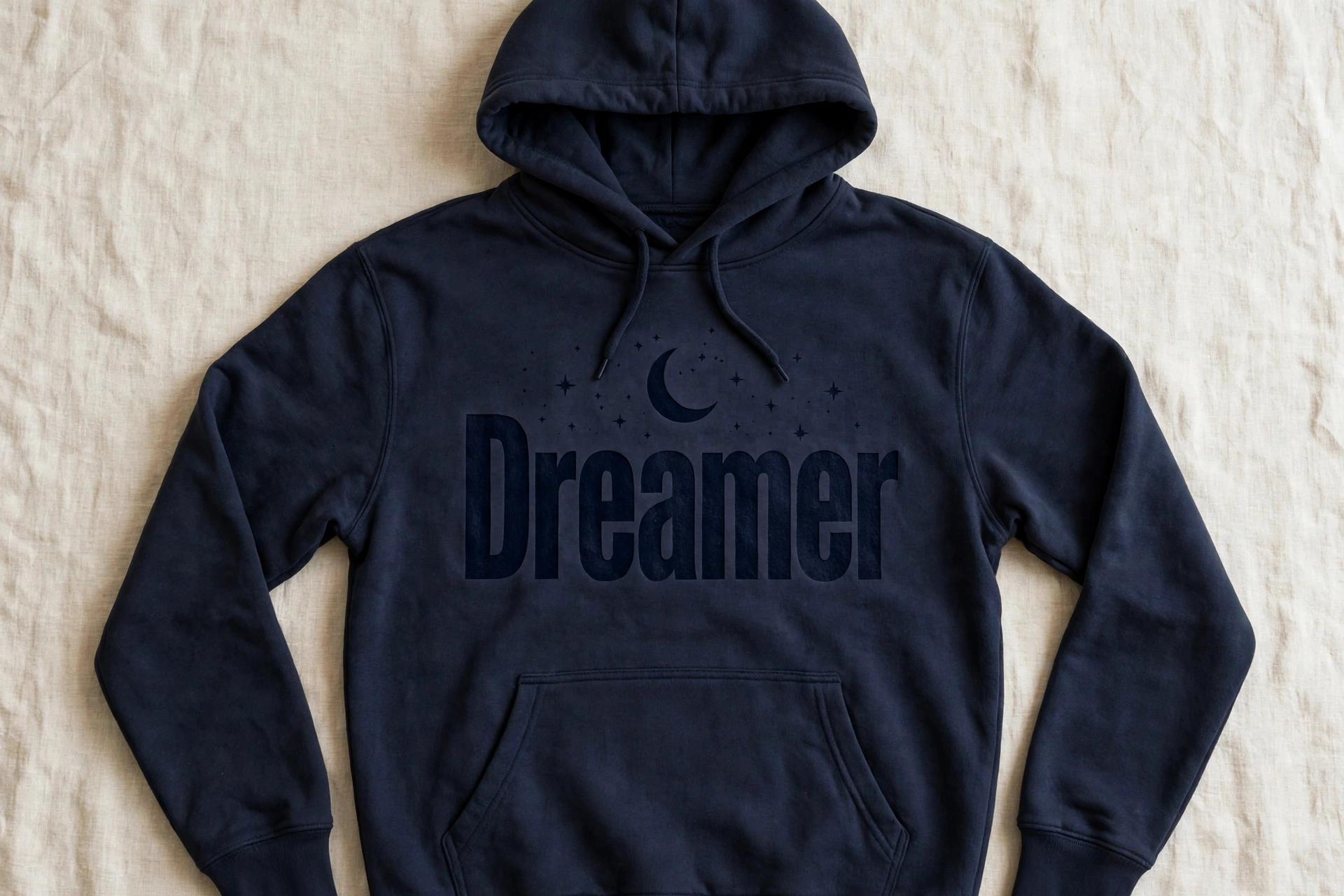
Here is the design pressed onto a dark navy hoodie, laid flat so you can see the full print. The oversized letters fill the chest from one side to the other, and the little crescent moon sits just above the word like a night sky detail. On a dark hoodie the navy print is subtle, almost like a tone-on-tone effect, which some people love. If you want the letters to pop, print it on a white or light hoodie instead, or remove the background first as described above.
Questions about the Dreamer hoodie design
Can I print this on a dark hoodie?
Yes, but remove the white background first with a free background remover, otherwise the white square will show. On a white or light hoodie you can print it exactly as downloaded.
What size should I print it?
About 11 to 13 inches wide suits most adult hoodies. Use the sizing table above for your size, and test the placement with a paper template before you press.
Will it survive washing?
Yes, if you press it properly and wash the hoodie inside out in cold water. Avoid tumble drying on high heat, and never iron directly on top of the printed letters.
Can I use it with a cutting machine?
Yes. Import the PNG into your cutting machine software and cut it as heat transfer vinyl. The big bold letters are easy to weed, and the small moon cuts cleanly at chest-print size.