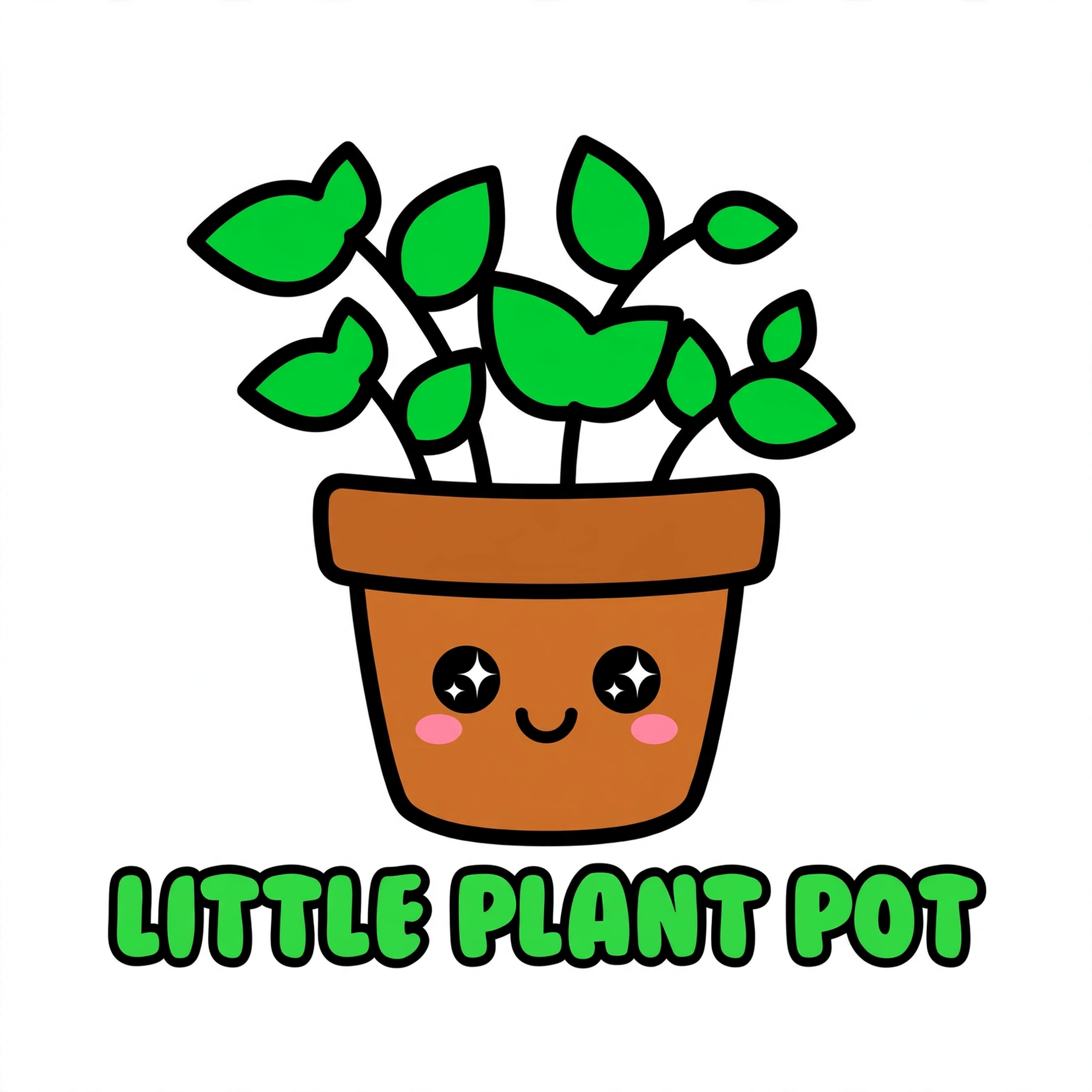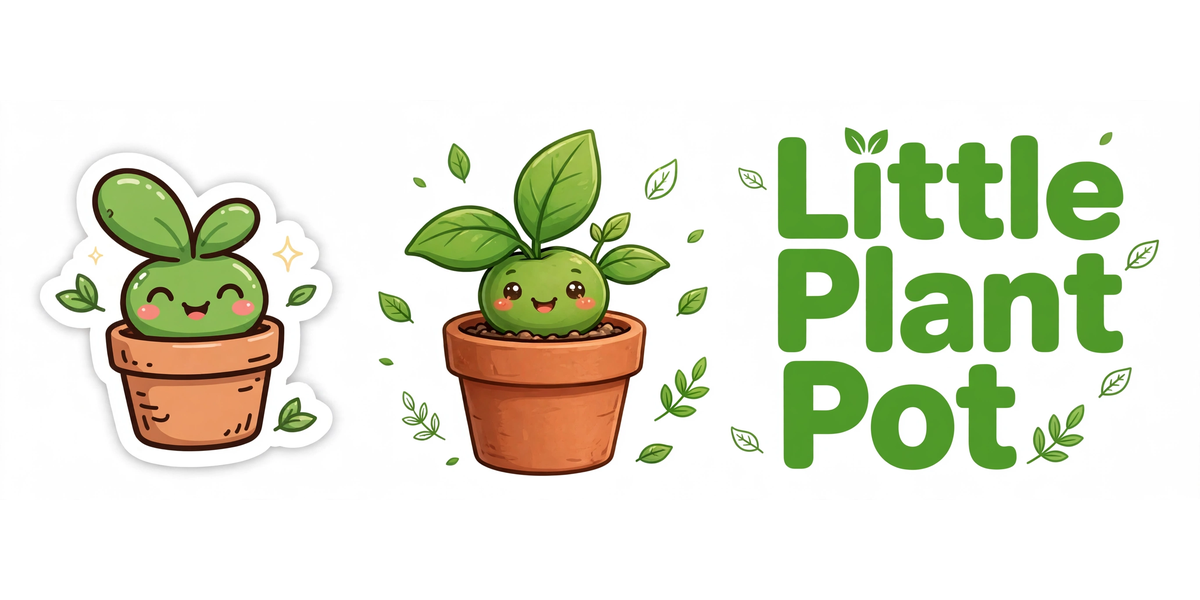
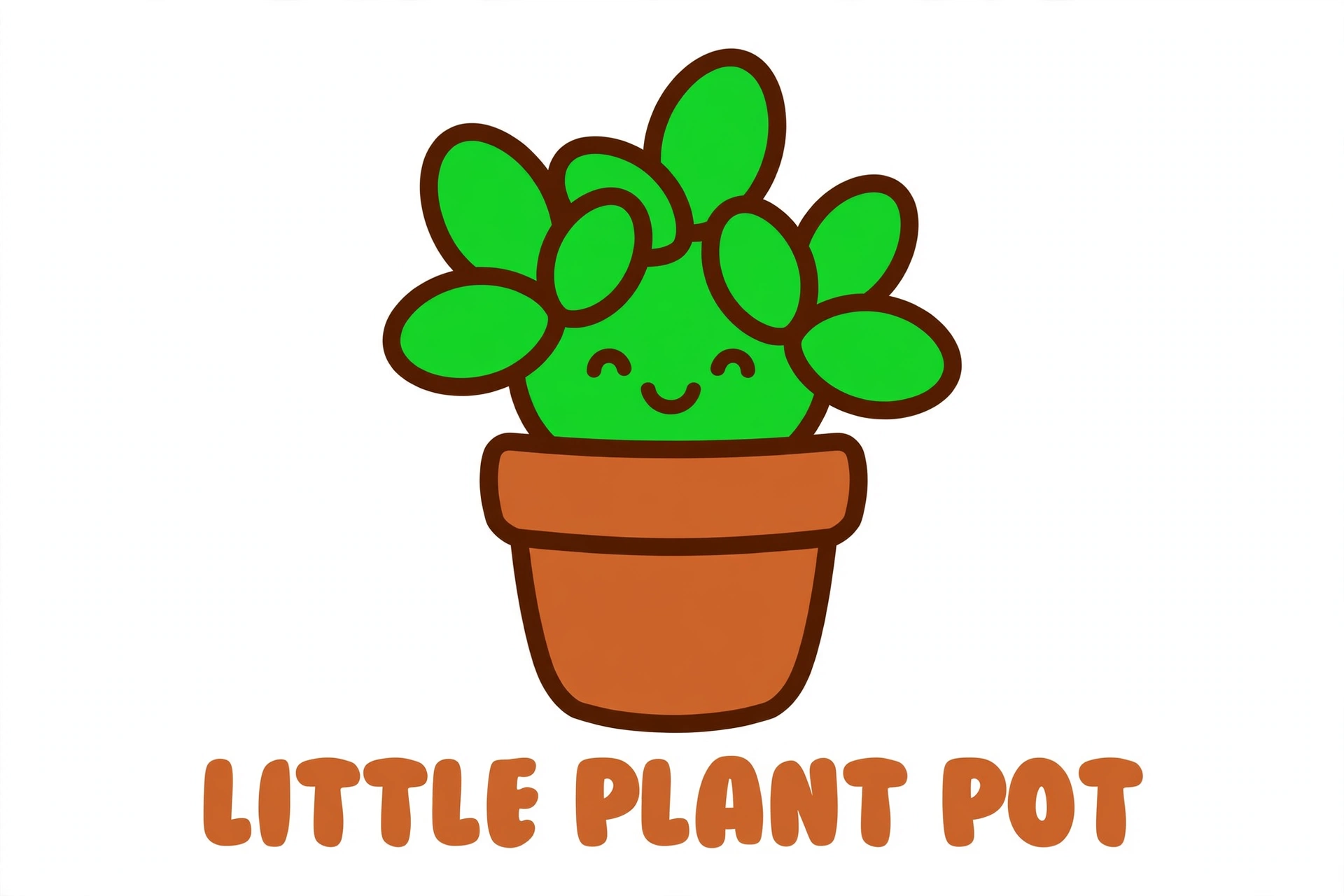
A tiny plant that never needs watering makes a cheerful sticker. This Little Plant Pot design shows a small terracotta pot with a smiling face and a tuft of bright green leaves, plus the words “Little Plant Pot” in bold rounded letters underneath. It is the kind of sticker that makes a laptop lid, a notebook, or a water bottle feel a little friendlier. The file is free to download, and you do not need to sign up or share an email address to get it.
The plant was drawn in a simple flat style with thick outlines, so it stays crisp and easy to read even when you print it small. The terracotta orange of the pot and the fresh green of the leaves sit well together, and the white space around the design keeps it clean. Print it once for yourself, or print a whole sheet and share the extras with friends. If you like cute face designs, our free sticker design PNG, Cute Cat Face and our free sticker design PNG, Happy Avocado are two more stickers in the same playful style.
Pick the right sticker paper
Sticker paper comes in a few common types, and the one you choose changes how the finished sticker looks and how long it lasts. The table below compares the main options so you can pick the one that fits your plan:
| Paper type | Finish | Best for | Watch out for |
|---|---|---|---|
| Matte white sticker paper | Soft, no shine | Notebooks, journals, planners | Not waterproof, keep it dry |
| Glossy white sticker paper | Bright shine | Laptops, bright bold colours | Fingerprints show easily |
| Vinyl sticker paper | Smooth, tough | Water bottles, lunch boxes | Costs more per sheet |
| Clear sticker paper | See-through | Glass jars, windows | White parts print as clear |
| Kraft sticker paper | Brown, rustic | Gift tags, brown parcels | Colours print darker |
For this design, matte white sticker paper is the safest first choice. It is cheap, it prints well on most home printers, and the white background of the design blends into the paper so the sticker looks clean. If the sticker will get wet, use vinyl instead and add a clear laminate sheet on top for extra protection. Before you print a full sheet, print one sticker on plain paper first to check the size and the colours. Green can print a little darker than it looks on screen, so a test print saves a sheet of sticker paper.
Cut it out neatly in six steps
A tidy cut is what turns a printout into a sticker that looks shop bought. Take your time with these steps, and the result will be worth it:
- Print the design on your chosen sticker paper at the size you want, using the best quality setting.
- Let the ink dry for at least five minutes so the colours do not smudge when you handle the sheet.
- Cut around the plant and the text with small sharp scissors, leaving a thin white border of about 2 to 3 millimetres.
- Round off any sharp corners as you cut, because rounded corners peel up less than pointed ones.
- Peel the sticker from the backing slowly, starting at one corner, so the paper does not tear.
- Press it onto a clean, dry surface from the centre outwards, smoothing out any air bubbles with your thumb.
If you have a craft cutting machine, you can load the PNG into its software, add a small offset outline, and let the machine cut the shape for you. That gives the cleanest edge of all, and it is the fastest way to cut a whole sheet of stickers at once. A paper trimmer is not much help here, because the plant shape is round, so scissors or a craft knife on a cutting mat are the right tools for hand cutting.
Where to stick it
Once the sticker is cut, the fun part starts. This little plant looks at home in plenty of places:
- On a laptop lid, where the green leaves brighten up a plain silver or black case.
- On a water bottle, if you printed on vinyl, so it survives splashes and daily use.
- On a notebook or journal cover, next to your name or a favourite quote.
- On a plant pot, real or empty, as a label that says which plant lives there.
- On a phone case, a pencil case, or a lunch box for a small daily smile.
- On a gift tag or a party favour bag, where a cute sticker makes a plain gift feel personal.
- On a fridge, a mirror frame, or a bedroom door, for a bit of colour in the room.
For the best stick, always put the sticker on a smooth, clean surface. Wipe the spot with a dry cloth first to remove dust and grease, and avoid rough or textured surfaces where the edges will lift. If a sticker starts to peel at a corner, press it down firmly for a few seconds, or add a tiny dot of clear glue underneath the lifted edge. You can find more designs in our Sticker Designs collection, all free to download and print at home.
Gift ideas with a plant sticker
A sticker this cheerful makes a good little gift on its own, and it also dresses up other gifts. Stick one on the outside of a birthday card for a plant lover, or use it to seal a small envelope with a handwritten note inside. If you are giving someone a real potted plant, put the sticker on the pot or on the gift bag as a matching label. Teachers can print a sheet of them as rewards for a classroom, and each one costs only a few pence. For a housewarming gift, stick one on a jar of homemade jam or a bottle of cordial to make the present feel handmade. A few stickers, a sheet of coloured card, and a ribbon are all you need to turn a plain gift bag into something that looks thought through.
About the white background: please read this first
Please note one honest detail about this file. The design has a solid white background, not a transparent one. Our image tool cannot produce transparency, so the PNG you download is a white square with the plant artwork drawn on it. This is not a mistake. It simply means you should print it on white or light sticker paper, where the background blends in and the thin white edge around the plant looks like a normal sticker border.
Two things are worth avoiding. First, do not print it on dark or coloured sticker paper, because the white square around the plant would show. Second, if you cut the sticker out by hand, leave that thin white border around the shape instead of trying to cut right up to the coloured edge. If you need a truly transparent version, you can remove the white background with a free background remover tool. For most home printing, white sticker paper and the natural white border are all you need, and the result looks neat and finished.
How it looks
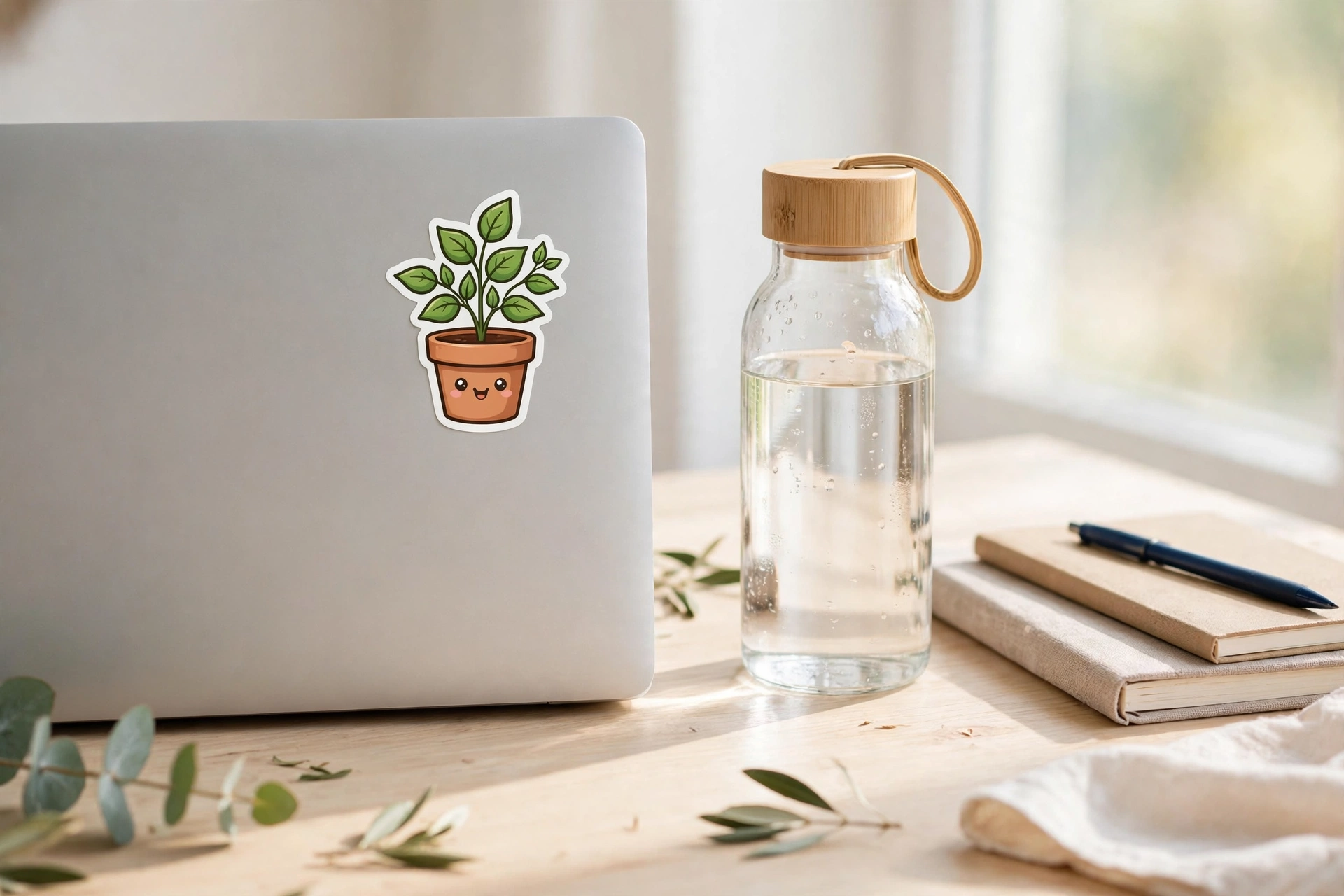
Here is the sticker printed and stuck on a laptop lid, next to a water bottle and a notebook on a bright desk. The little smiling pot sits neatly on the grey lid, the green leaves stand out clearly, and the white border around the shape makes it look like a proper die-cut sticker. It adds a friendly touch to an ordinary workspace without being loud, which is why small plant stickers are so popular for laptops and bottles.
Questions about the Little Plant Pot sticker
What size should I print it?
About 2 to 3 inches wide suits a laptop, a bottle, or a notebook. The file is 3000 by 3000 pixels, so you can print it larger for a door or a folder without it going blurry.
Will it survive on a water bottle?
On vinyl sticker paper with a clear laminate layer on top, yes, it handles splashes and washing well. On plain matte sticker paper, keep it away from water or it will soften and peel.
Can I use a cutting machine?
Yes. Load the PNG into your cutting machine software, trace the outline, and add a small offset so the machine leaves a neat white border. Print and cut in one pass if your machine supports it.
Can I sell stickers made with this design?
This file is free for personal use at home, at school, or as a gift. This design is for personal use only. Print it for yourself, for gifts or for your home. Do not sell stickers made with it.