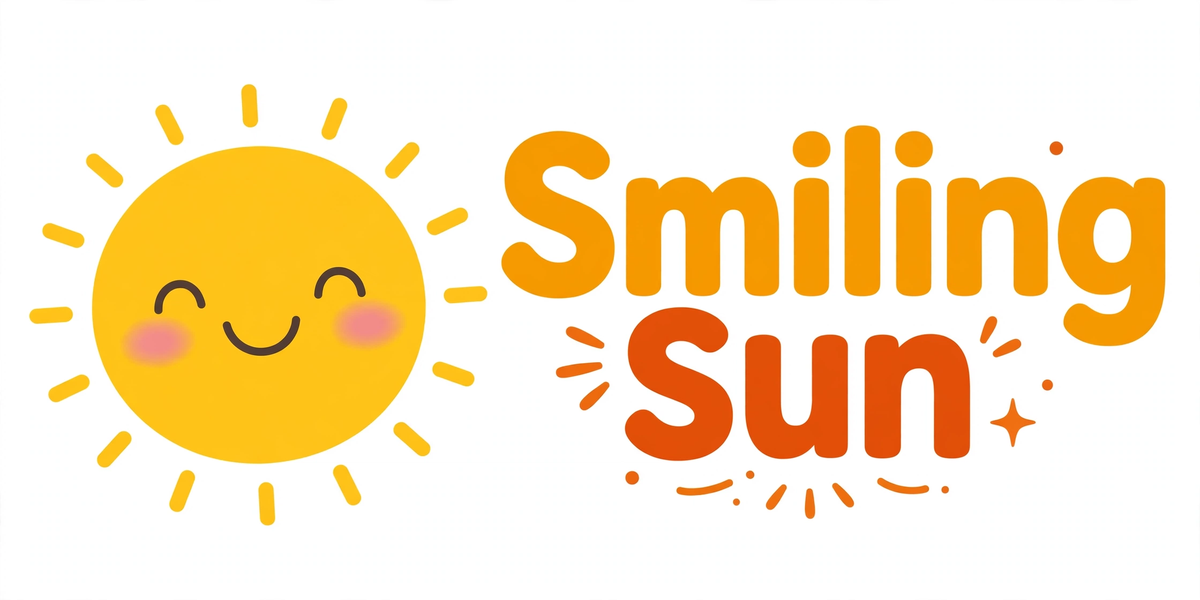
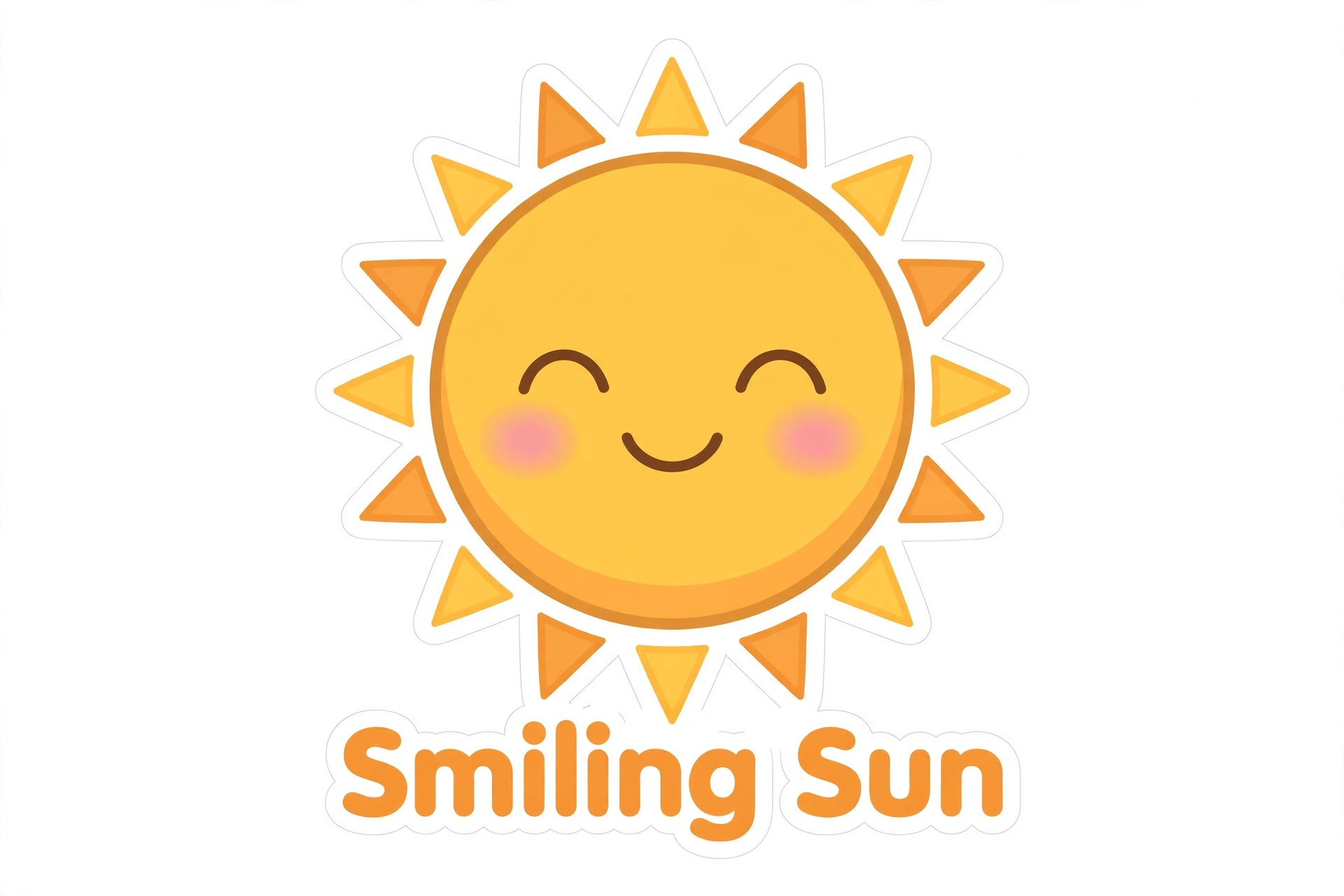
Stick it where a little sunshine is needed: a laptop lid, a water bottle, a school notebook or a lunchbox. This Smiling Sun is a round, happy yellow sun with rosy cheeks, closed smiling eyes and short triangular rays, with the words “Smiling Sun” in soft rounded lettering underneath.
The file is a free sticker design PNG, made to print at home on sticker paper with an ordinary inkjet or laser printer. One thing to know before you download: the PNG has a solid white background, not a transparent one. That is fine for stickers, because a sticker always has a border around the shape, but it does mean the design works best on white sticker paper. On white paper the background disappears into the sheet and the sun looks like a proper die-cut sticker. On coloured paper the white box around the sun would show, so stick to white sticker paper and cut around the shape, and the result will look neat and shop bought.
What you get in the download
The download is a single PNG file, ready to print. There is no sign-up and no email asked for. Here is what is inside:
- One PNG file at 3000 by 3000 pixels, sharp enough for a large sticker or a small one.
- A happy round sun face in warm yellow and orange, with rosy pink cheeks.
- Short triangular rays in alternating yellow and orange around the face.
- The words “Smiling Sun” in rounded, friendly lettering below the sun.
- A square file, easy to scale up or down without stretching.
- Free for personal use at home, at school, or as a gift.
Printing your Smiling Sun on sticker paper
Printing a sticker at home is easy, and you only need a home printer and a pack of white sticker paper, the kind sold as full sheet labels or printable vinyl. Follow these steps for a clean result:
- Download the PNG and open it in any image viewer or design program.
- Set your print size first. About 3 inches wide is a good size for a laptop or a bottle, and 2 inches suits a notebook or a lunchbox.
- Load one sheet of white sticker paper into your printer, print side up, and check the packet for the right printer setting.
- Print using your printer’s Best or High quality setting, and let the ink dry for a few minutes before you touch it.
- Test the size on plain paper first if you are unsure. It costs almost nothing, and it saves a sheet of sticker paper.
- Cut around the sun, following the white border, and peel the backing off slowly from one corner.
If your printer is an inkjet, the colours will come out bright and warm, very close to the yellow and orange you see on screen. If it is a laser printer, the print will be a little flatter but still cheerful, and it will resist water better. A clear laminate sheet or a strip of wide clear tape over the top will protect an inkjet print from splashes, which matters on a water bottle. If you want another food themed friend for your sticker collection, try our free sticker design PNG, Happy Avocado, which pairs nicely with the sun on a lunchbox or a fridge.
Cutting it out cleanly
A tidy cut is what turns a printed picture into a real sticker. Sharp scissors are the simplest tool: cut slowly around the rays, leaving a thin white border of about 3 millimetres all the way round. That white border is the sticker edge, so do not try to cut it off. If you have a craft knife and a cutting mat, you can follow the rays more closely, but scissors are fine for most people and much safer for children. For the lettering, cut a gentle curve around the words rather than trying to follow every letter. If you own a cutting machine, you can trace the shape and let the machine do the work, but it is not needed. The sun shape is simple, with big rounded edges, so even a first attempt usually looks good.
A sunny sticker for kids and classrooms
This sun is a natural fit for children. Teachers use it as a reward sticker for good work, a sunny mark on a spelling test, or a bright face on a classroom chart. Parents stick it on a reading log, a lunchbox, or a bedroom door, and children love putting it on their own notebooks and pencil cases. It also works well as a small prize in a party bag or a cheerful label on a homemade card. Pair the sticker with some quiet learning time: our free printable sight words worksheets PDF gives young readers daily practice, and our free printable alphabet tracing worksheets PDF helps little hands learn their letters. A Smiling Sun stuck on the top of a finished worksheet turns practice into something a child is proud to show off.
Where to stick it
The sun suits almost any smooth, clean surface. Use the table below to pick a size and a spot:
| Where to stick it | Best size | Tip |
|---|---|---|
| Laptop lid | 3 to 4 inches | Clean the lid first so the sticker grips well |
| Water bottle | 2.5 to 3 inches | Cover with clear laminate so it survives washing |
| Journal or notebook | 2 inches | Stick it on the cover, not over the spine |
| Lunchbox | 2 to 3 inches | Use printable vinyl for a wipe clean finish |
| Phone case | 1.5 to 2 inches | Press firmly around the rays so no edge lifts |
| Classroom chart | 3 inches | Print a few and hand them out as rewards |
Before you stick it anywhere, wipe the surface with a dry cloth so dust and grease do not stop it sticking. Press from the middle outwards to push out any air, and run a finger around the rays to seal the edges. On a curved bottle, a smaller sticker bends better than a big one. If you ever want to move it, warm it gently with a hair dryer for a few seconds and peel slowly, though sticker paper is happiest when it stays where you first put it.
How it looks on a laptop
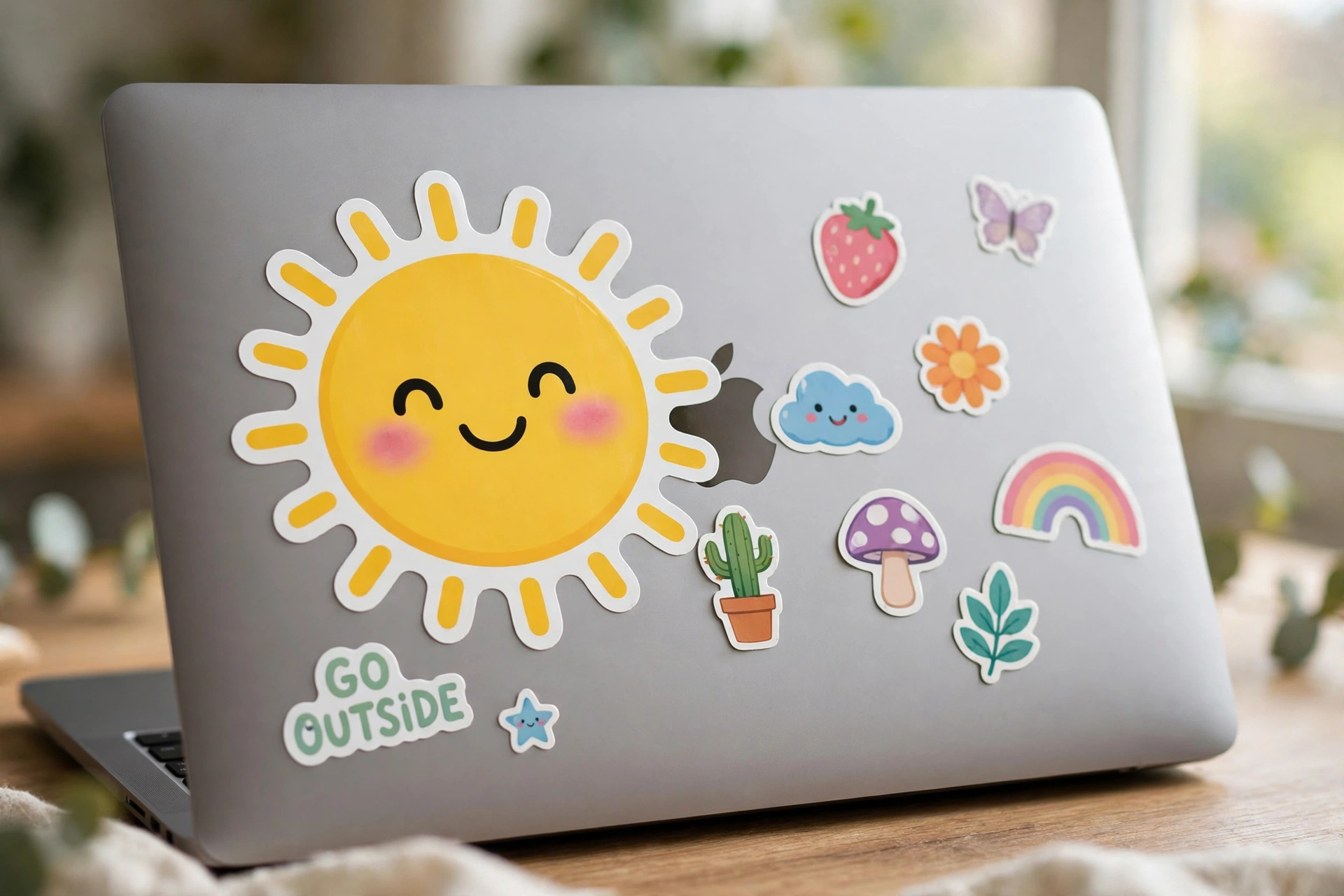
Here is the Smiling Sun as a die-cut sticker on a laptop lid, sitting beside a few other small stickers. The warm yellow face stands out against the grey lid, and the white border gives it a clean, finished edge. This is the look to aim for: one bright sticker among a small group, not a lid covered edge to edge. If you want more designs to build your own laptop collection, browse the full Sticker Designs collection for more free printable sticker art.
Make a whole sticker sheet
One sun is cheerful, but a sheet of suns is even better. Open the PNG in a free design program, copy it four or six times onto one page, and print the whole sheet on sticker paper in one go. Mix the sizes: two large suns for a laptop or a bottle, and four small ones for notebooks and reward charts. A sheet like this costs very little to make, and it is a lovely gift for a teacher, a child, or a friend who likes bright things. You can also print the same sheet twice and keep one spare, because stickers get used faster than you expect. If you are making sheets for a class, print one test page first and check the colours, then print the rest.
Smiling Sun sticker: questions, answered
Is the background transparent?
No. The PNG has a solid white background, so print it on white sticker paper and cut around the shape. On white paper the background blends in and is not visible.
What size should I print it?
About 3 inches wide suits a laptop or a bottle, and 2 inches suits a notebook or a lunchbox. The file is square, so any size keeps its shape.
Will it survive on a water bottle?
On printable vinyl, yes, and it will wipe clean. On paper sticker sheets, cover it with clear laminate or wide clear tape first to protect it from splashes.
Can I sell stickers made with this design?
This file is free for personal use at home, at school, or as a gift. This design is for personal use only. Print it for yourself, for gifts or for your home. Do not sell stickers made with it.