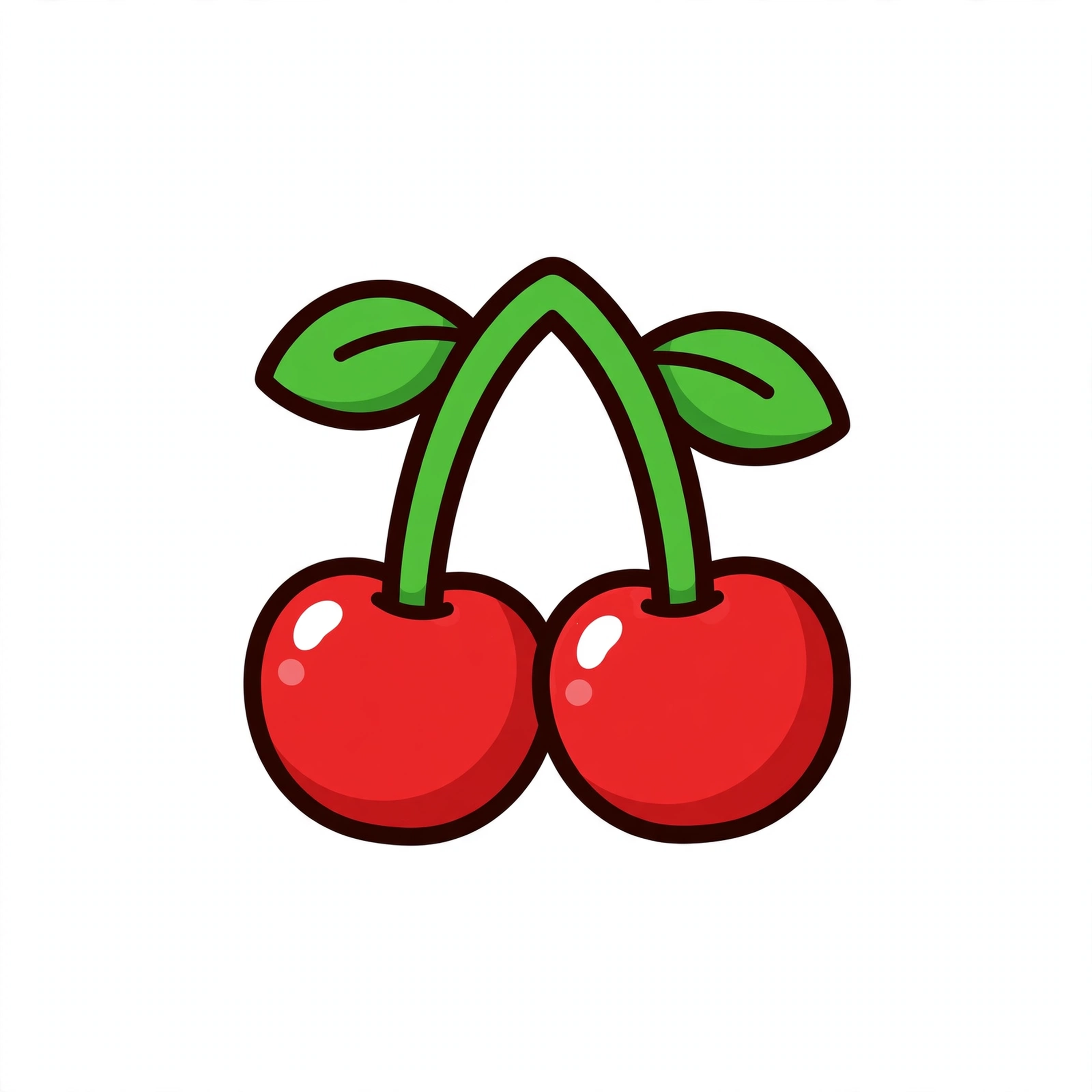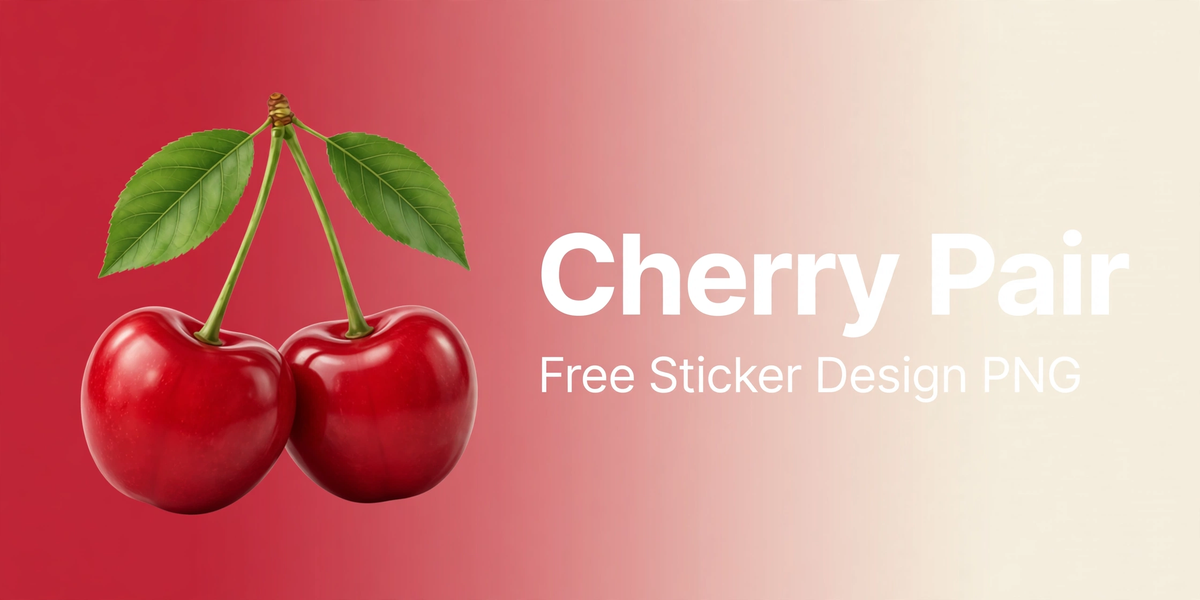
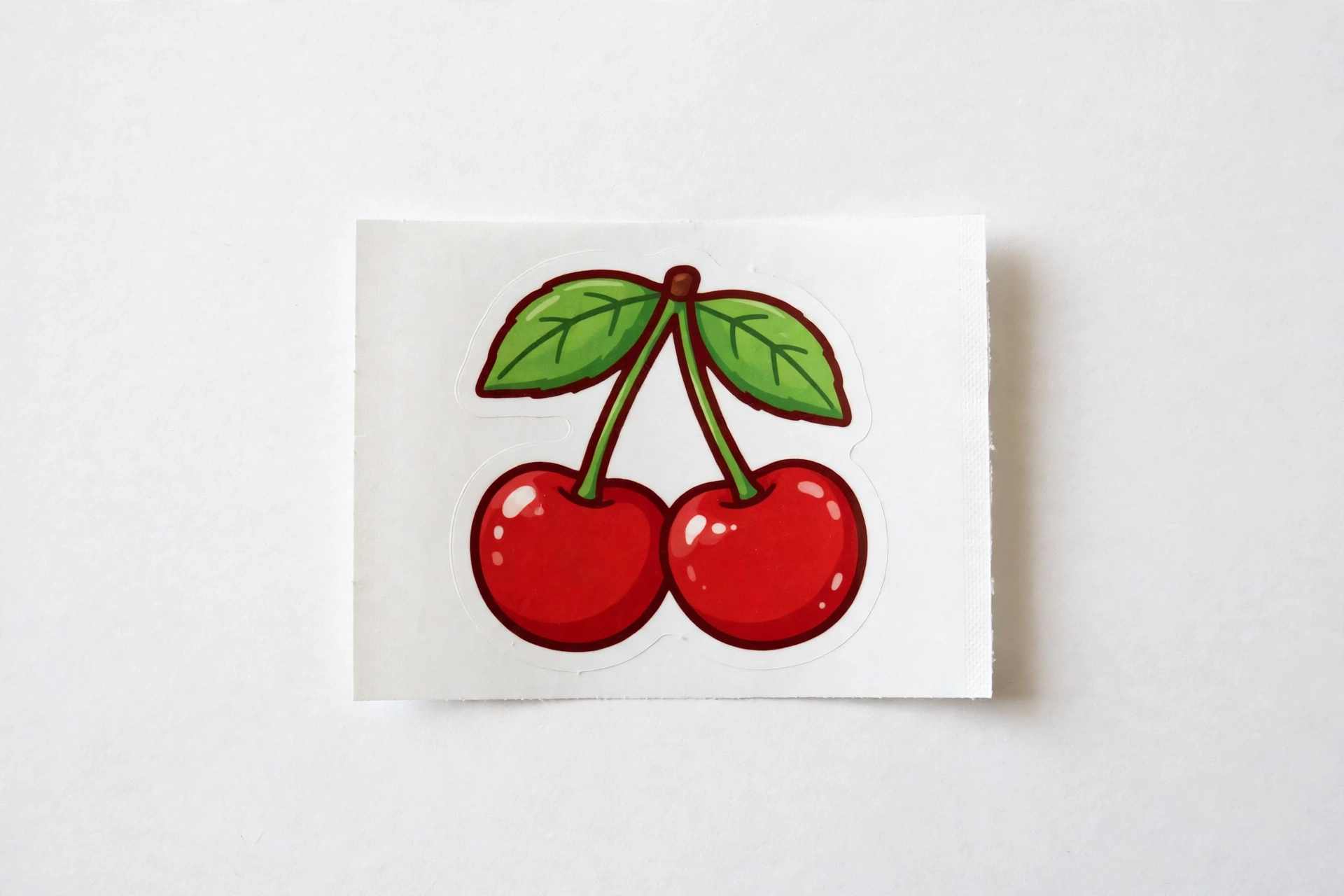
Cutting a sticker by hand teaches you one thing fast: round fruit is forgiving. A circle has no corners to catch on the scissors, no thin tail to tear, and no fiddly edge to follow. That is why these two cherries are such a friendly first sticker to print. Two glossy red circles, two green leaves, and one pair of stems that meet at the top like a little arch. The whole thing is just curves, and curves are easy to cut out, easy to peel, and hard to ruin.
The cherries suit a laptop lid, a water bottle, a journal cover, or a lunchbox. They are bright enough to spot from across a room, and simple enough to sit happily next to other stickers without clashing. The file is free to download, and you do not need to sign up or share an email address. If you like cute food stickers, our free sticker design PNG, Happy Avocado is another cheerful one, and our free sticker design PNG, Cute Cat Face is a good partner for it. Browse the whole Sticker Designs collection for more.
Why two cherries, and not one
A single cherry on its own is fine, but a pair tells a small story. Cherries grow in pairs on the tree, joined at the stem, so two together look natural in a way one alone never quite does. The pair also balances the picture: one cherry leans a little left, the other leans a little right, and the stems meet in the middle. A few things make this pair work:
- The two round cherries are almost the same size, so neither one steals the picture.
- The stems curve up and join at the top, which frames the design and gives it a clear top edge to cut around.
- The two green leaves break up the red. Without them, the sticker would be one big red blob.
- Bold dark outlines keep every shape separate. Even printed small, the cherries still read as cherries.
- The little white shine spots on each cherry make them look glossy and fresh, like fruit just picked from the tree.
Printing the cherries at home, step by step
You can print this sticker at home with an inkjet or laser printer and a sheet of sticker paper. The method is simple, and the round shapes make the cutting easy. Follow these steps:
- Download the PNG file using the button above. It is 3000 by 3000 pixels, so it stays sharp even at a small sticker size.
- Load a sheet of sticker paper into your printer. Matte sticker paper gives a soft finish, and glossy sticker paper makes the red look brighter.
- Set your printer to the best quality setting and pick the paper type that matches your sticker paper.
- Print one test copy on plain paper first, to check the size and the colours.
- Print the sticker, let the ink dry for a few minutes, and then cut around the cherries with small sharp scissors, leaving a thin white border.
- Peel the backing off slowly from one corner, press the sticker down from the centre outwards, and smooth away any air bubbles with your thumb.
If you have a cutting machine, you can load the PNG into its software and let it cut the outline for you. If you use a print shop, send them the PNG as it is and ask for a vinyl sticker print, which lasts longer outdoors.
Where the sticker sticks best
A sticker is only as good as the surface it sits on. Smooth, clean, dry surfaces hold best, while rough or dusty ones let go within days. The table below is a good starting point.
| Surface | Sticks well? | Tip |
|---|---|---|
| Laptop lid | Yes, very well | Wipe it clean and dry first, then press firmly |
| Water bottle | Yes, if smooth | Use glossy sticker paper or seal it with clear tape |
| Journal cover | Yes | Press it flat and avoid bending the cover |
| Phone case | Yes, on a smooth case | Keep it away from the case edges, where it can lift |
| Rough wood or fabric | Not really | The sticker will peel off, so pick a smoother spot |
Kids love this pair on lunchboxes and pencil cases, and it also works as a small gift topper on a birthday card. For a sunny companion sticker, our free sticker design PNG, Smiling Sun is a good match, and our free sticker design PNG, Coffee Cup Doodle pairs well with it on a laptop lid.
How it looks
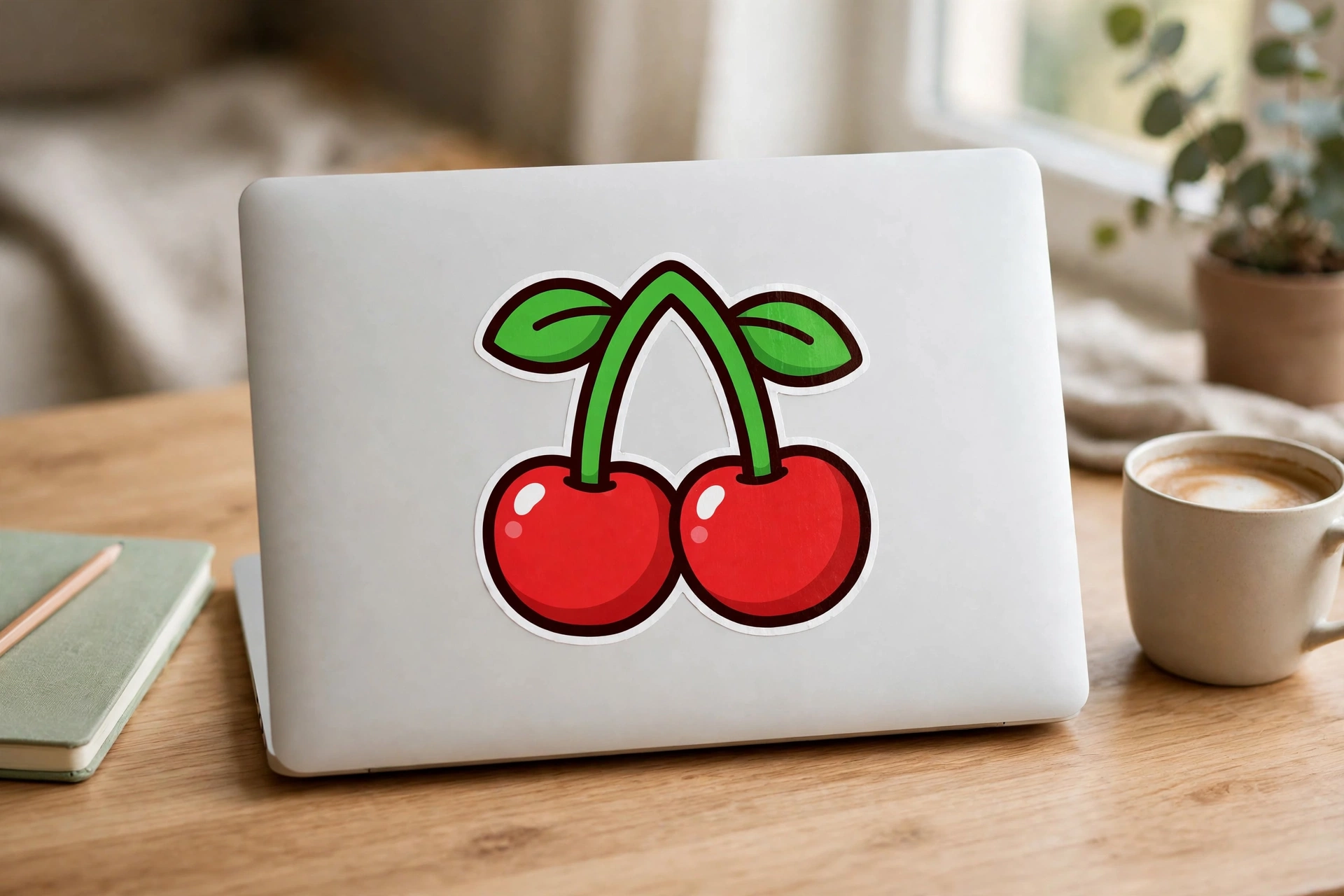
Here is the Cherry Pair stuck on the lid of a matte white laptop, sitting on a light wooden desk in soft daylight with a small notebook and a cup beside it. The red cherries stand out clearly against the white lid, the green stems and leaves keep the picture fresh, and the white border around the sticker makes it look like a proper shop-bought sticker. It looks cheerful and finished, like the laptop just got a little happier.
About the white background: please read this first
Please note one honest detail about this file. The design has a solid white background, not a transparent one. Our image tool cannot produce transparency, so the PNG you download is a white square with the cherries drawn on it. This is not a mistake. Print it on white sticker paper, and the white blends into the sheet, so the sticker looks like a neat white-bordered cutout.
Two things are worth avoiding. First, do not print it on coloured sticker paper, because the white square around the cherries would show. Second, when you cut the sticker out, leave a thin white border all the way around, so the edge looks tidy and the dark outlines never get clipped. If you need a truly transparent version, remove the white background with a free background remover tool before printing. The bold dark outlines separate from plain white very easily.
Making the sticker last longer
A home printed sticker lasts longest when it stays dry and out of harsh sun. On a water bottle, cover the sticker with a strip of clear packing tape or a layer of clear nail polish around the edges, so water cannot creep underneath. On a laptop, avoid picking at the corners, because once a corner lifts, dust gets under it and the whole sticker follows. Keep spare prints in a dry drawer, away from heat, so the sticker paper stays flat. Our free sticker design PNG, Little Plant Pot is another sturdy little sticker to print with it.
Questions about the Cherry Pair design
Can I print this sticker on coloured sticker paper?
It is best not to. The file has a solid white background, so on coloured paper the white square would show. Use white sticker paper, or remove the background with a free background remover first.
What size should I print?
About 2 to 3 inches wide suits most laptop lids and bottles. At 3000 by 3000 pixels the file also prints well at 4 inches or larger.
Will the sticker survive on a water bottle?
Yes, if you protect it. Use glossy sticker paper and seal the edges with clear tape, and hand wash the bottle instead of putting it in a dishwasher.
Can I cut it with a cutting machine?
Yes. Load the PNG into your cutting machine software and let it trace the outline, leaving a thin white border.