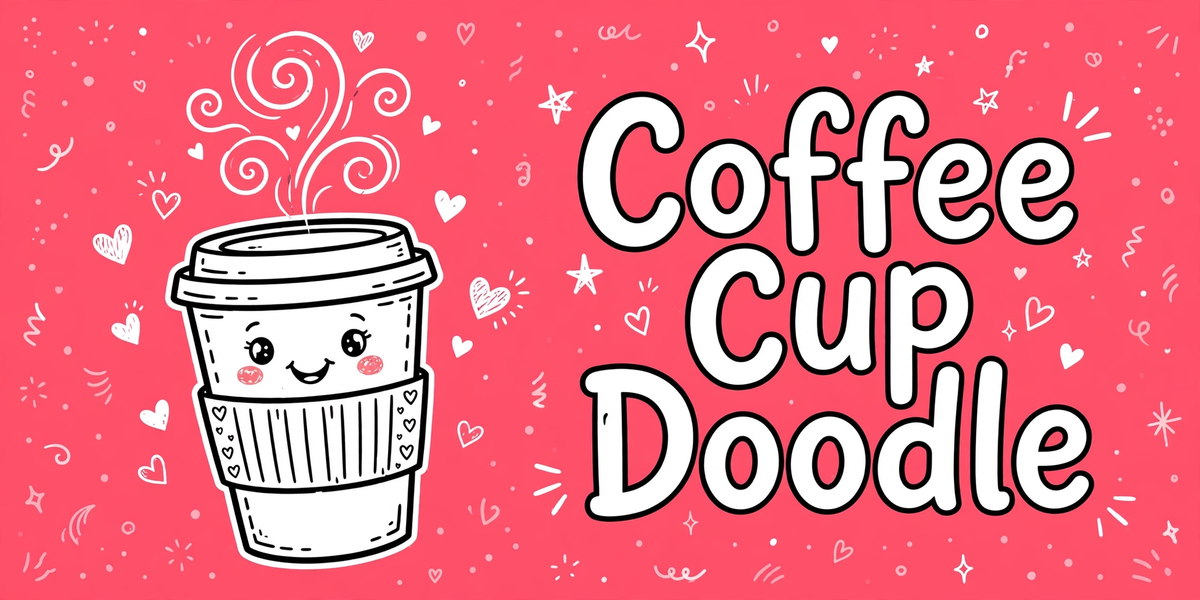
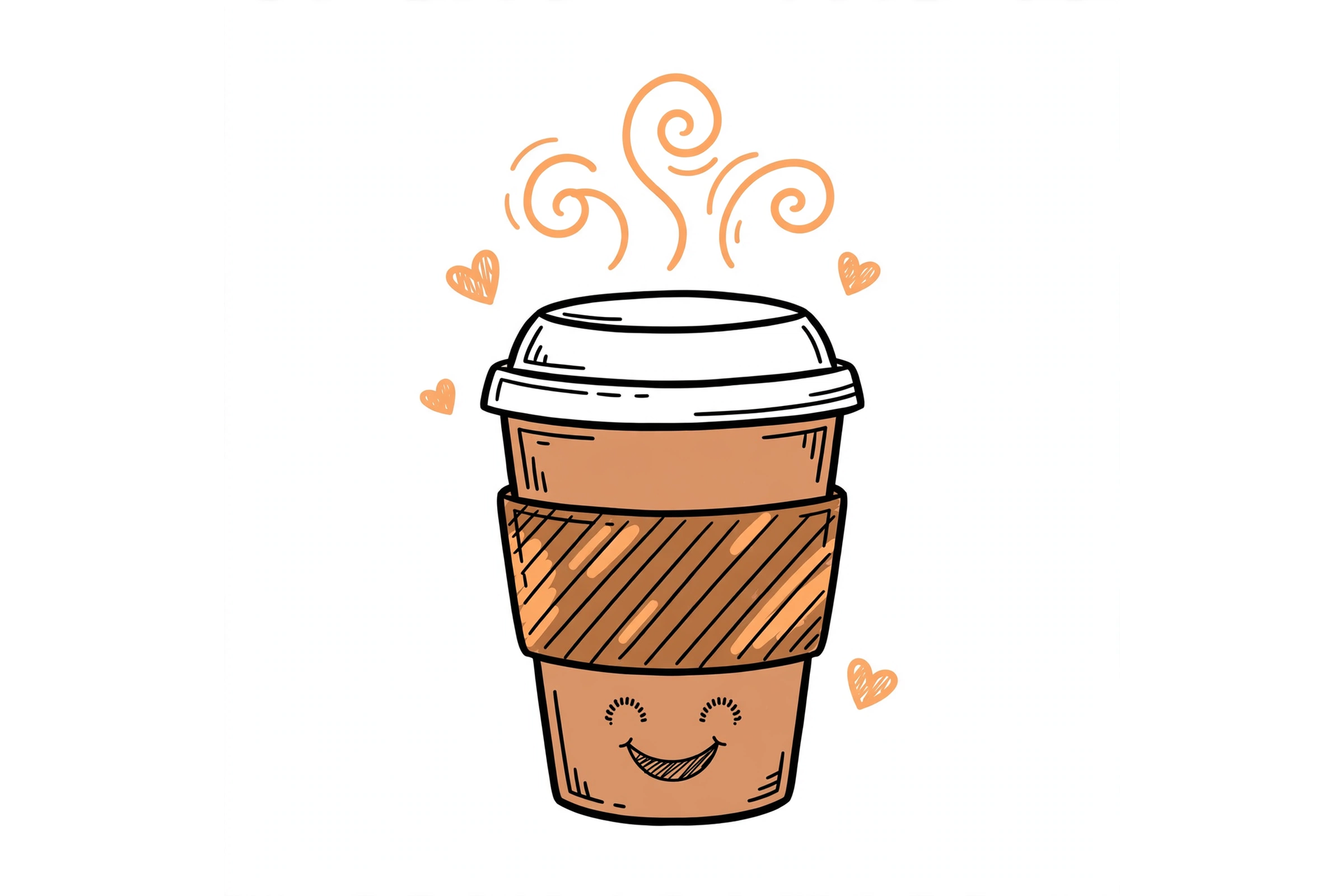
Look closely and the cup is glad to see you. A cheerful takeaway cup with a happy face, curly steam rising from the lid and little hearts floating around it, drawn in bold black lines with warm brown fills and soft orange accents.
The design was drawn in a simple doodle style, with bold black lines, warm brown fills, and soft orange accents. It prints well at sticker size because the shapes are clear and the lines stay strong even when the sticker is small. The download is a single PNG file at 3000 by 3000 pixels, so it stays sharp at any sticker size. If you want to build a matching set, our free sticker design PNG, Cute Cat Face and our free sticker design PNG, Smiling Sun use the same friendly doodle style.
Inside the file: what the doodle includes
The download is one PNG file, ready to print. There is nothing else to install and no account to create. Here is what is inside:
- One PNG file at 3000 by 3000 pixels, print-ready and sharp at sticker size.
- A smiling takeaway coffee cup with a lid, a ribbed sleeve, and a happy face.
- Three curly steam swirls above the lid, drawn in the same doodle style.
- Small hearts in warm brown and soft orange around the cup.
- Bold black outlines that stay clear even when the sticker is printed small.
- A white background, so it prints best on white sticker paper or light surfaces.
- Free for personal use at home, at school, or as a gift.
From download to sticker in six steps
Turning this PNG into a real sticker takes about ten minutes once you have sticker paper. The steps below work with a normal home inkjet printer:
- Download the PNG and open it in your printer software or any basic image program.
- Set the print size. About 2.5 to 3 inches wide is a good size for a laptop or a notebook.
- Load white sticker paper into your printer, glossy or matte, and print at the best quality setting.
- Let the ink dry for a minute or two, then cover the print with clear packing tape or a sheet of clear laminate if you want it to last longer.
- Cut around the design with scissors or a craft knife, following the outline of the cup, the steam, and the hearts as closely as you like.
- Peel off the backing and stick it down. Press from the middle outwards so no air bubbles get trapped underneath.
If you own a cutting machine, use its print-then-cut feature instead and let it cut the outline for you. Either way, the bold doodle lines make the design forgiving to cut by hand, so a slightly wobbly cut still looks fine.
Which sticker paper should you choose?
Sticker paper comes in a few types, and the right one depends on where the sticker will live:
| Paper type | Best for | Notes |
|---|---|---|
| Matte white sticker paper | Notebooks and journals | Soft finish, easy to write on, colours look gentle |
| Glossy white sticker paper | Laptops and water bottles | Bright colours, wipe-clean surface, a little slippery to cut |
| Clear sticker paper | Glass jars and light surfaces | White parts of the design stay white, so trim closely |
| Waterproof vinyl sticker paper | Bottles and outdoor use | Costs more, but survives splashes and handling |
For most people, matte white sticker paper is the best first choice. It is cheap, it prints well on a normal inkjet printer, and it suits this doodle because the design already has a white background. Whichever paper you pick, do a test print on plain paper first to check the size before you use the sticker sheet.
Five places this doodle looks right at home
A coffee doodle fits almost anywhere, but these five spots suit it best. Pick one, or print a small sheet and use them all:
- On a laptop lid, next to your other favourite stickers, where it greets you every time you open the screen.
- On the cover of a journal or planner, as a cheerful marker for the coffee-fuelled pages inside.
- On a reusable water bottle or travel mug, sealed under clear laminate so it survives daily use.
- On a gift tag or a birthday card for a coffee lover, cut small and stuck beside a handwritten note.
- On a kitchen noticeboard or a fridge, where it adds a warm touch to shopping lists and reminders.
If you enjoy this style, browse our Sticker Designs collection for more doodles in the same friendly line style. They mix well together on a laptop lid or a sticker sheet, and each one is free to download.
About the white background: please read this first
Please note one honest detail about this file. The design has a solid white background, not a transparent one. Our image tool cannot produce transparency, so the PNG you download is a white square with the doodle drawn on it. This is not a mistake. It simply means you should print it on white sticker paper and cut around the design, so the white background disappears into the paper. On white sticker paper, the background blends in completely and the sticker looks just like the preview.
Two things are worth avoiding. First, do not print it on dark sticker paper, because the white square around the doodle would show. Second, do not print it on clear sticker paper unless you are happy to trim very closely around every heart and steam curl. If you need a truly transparent version, you can remove the white background with a free background remover tool, or redraw the doodle as a vector. For most home printing, white sticker paper and a careful cut are all you need.
How it looks as a sticker
Here is the design printed and stuck on a laptop lid, among other small stickers. The warm brown cup and the orange hearts stand out nicely against the dark lid, and the white edge around the doodle reads as a clean sticker border. The smiling face is still easy to read at this size, which is why the bold doodle lines matter.

Questions about the Coffee Cup Doodle sticker
Can I sell stickers made with this design?
This file is free for personal use at home or in the classroom. This design is for personal use only. Print it for yourself, for gifts or for your home. Do not sell stickers made with it.
What size should I print it?
About 2.5 to 3 inches wide suits a laptop or a notebook. The file is 3000 by 3000 pixels, so you can print it larger for a journal cover without it going blurry.
Will it survive on a water bottle?
Yes, if you use waterproof vinyl sticker paper and seal the top with clear laminate or clear tape. A plain paper sticker will peel the first time it gets wet, so pick the right paper for the job.
Can I use it in a cutting machine?
Yes. Import the PNG into your cutting machine software and use print-then-cut. The bold outline makes it easy for the machine to follow, and you can also cut it by hand with scissors.