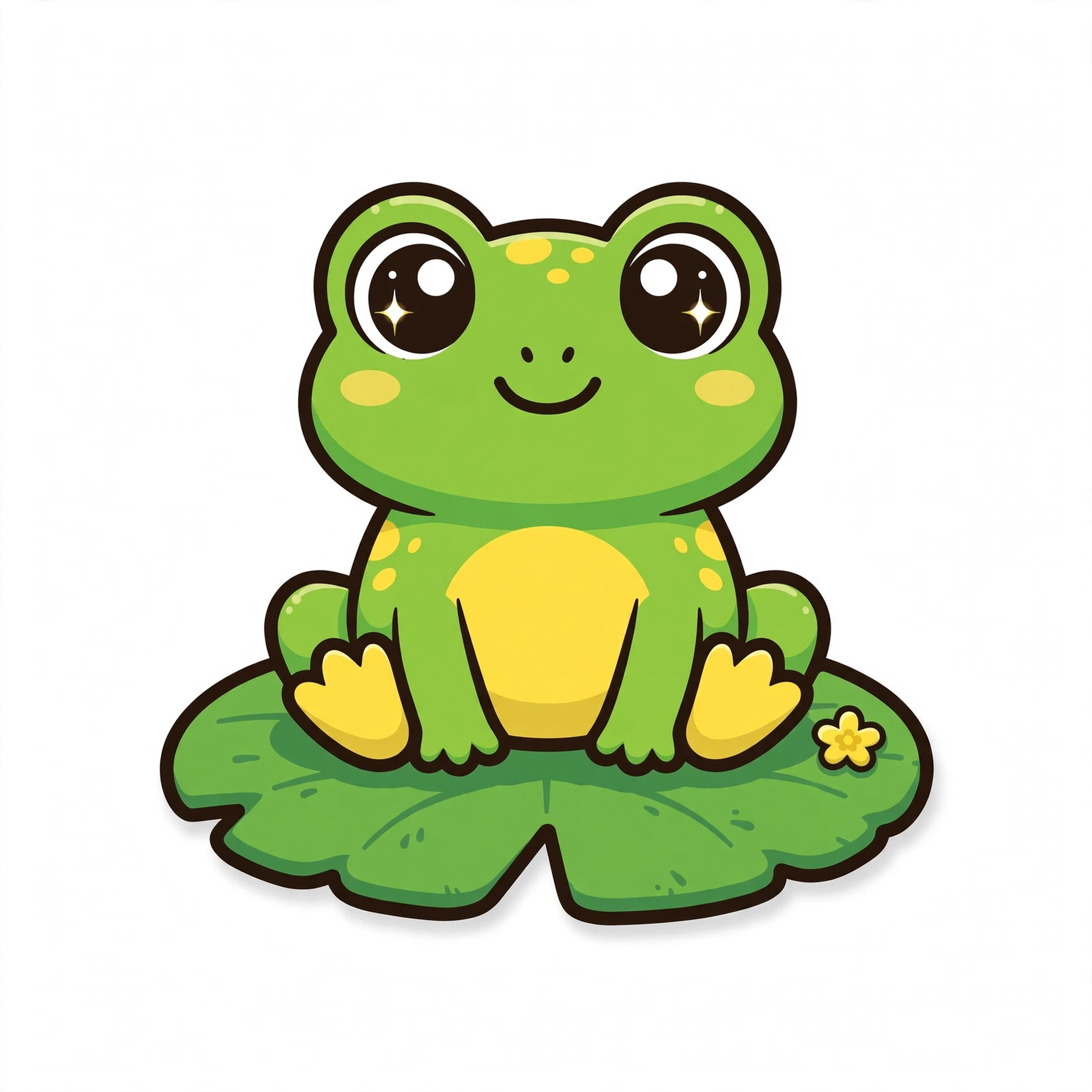
There is a special kind of happiness that only a frog can deliver. You open your laptop, and there it is, sitting on its little lily pad with big round eyes and a smile that takes up half its face. It does not try to be cool or clever. It just sits there, bright green and cheerful, and somehow your whole desk feels a bit lighter. That is the idea behind this Cute Frog sticker design: a small piece of joy you can print at home, cut out, and stick wherever you need a reminder not to take the day too seriously.
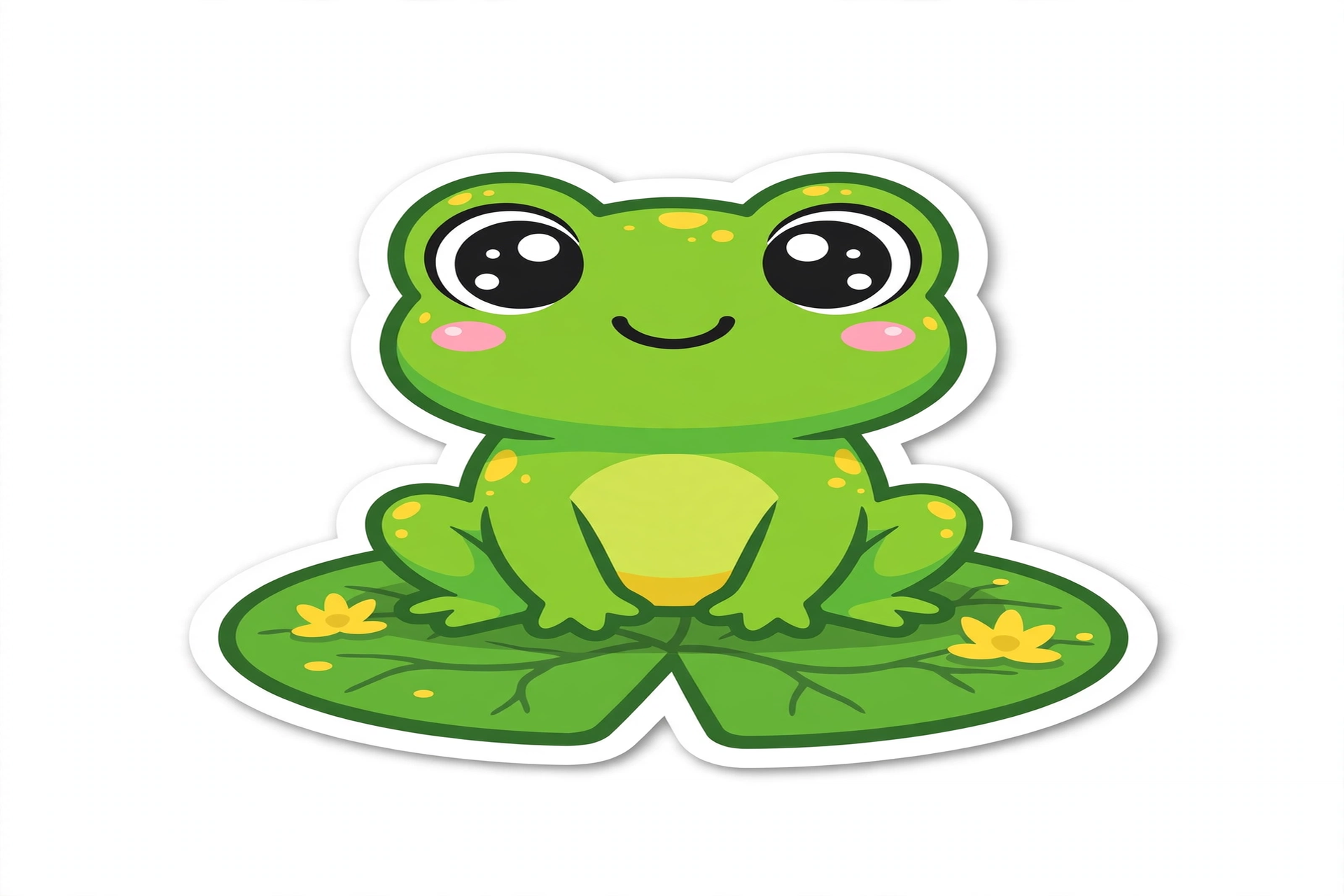
The artwork is a kawaii style frog in bright green with sunny yellow accents, sitting on a lily pad. The flat vector style prints beautifully on sticker paper because the shapes are bold and the colours are flat, so nothing gets lost at small sizes. The file is free to download, and you do not need to sign up or share an email address to get it. If you like this frog, our free sticker design PNG, Cute Cat Face and our free sticker design PNG, Smiling Sun are two more cheerful faces from the same sticker family, and our free sticker design PNG, Coffee Cup Doodle pairs nicely with it on a laptop lid. You can browse the whole Sticker Designs collection to build a little set of your own.
Why a frog makes the perfect sticker
Not every animal works as a sticker. Some look great in a photo and terrible at two inches wide, because the detail disappears and you are left with a blob. Frogs are the opposite. A frog is basically a round green shape with two big eyes on top, which is exactly what a good sticker needs: a shape you can read from across the room and a face you can fall in love with in a second. A few reasons this one works so well:
- The bright green pops against white, silver, and black surfaces, so it stands out on a laptop lid, a phone case, or a water bottle.
- The sunny yellow accents add warmth, so the green never looks cold or flat.
- The flat vector style means the edges stay crisp even when you print it small.
- The round lily pad shape makes cutting easy. You follow one smooth curve and you are done.
Printing the frog on sticker paper, step by step
You do not need a fancy printer or a cutting machine to make a lovely sticker from this file. A home inkjet or laser printer and a pack of sticker paper are enough, and the whole job takes about ten minutes. Follow these steps in order:
- Download the PNG file using the button above. It is 3000 by 3000 pixels, so it stays sharp even at 3 or 4 inches wide.
- Open the file and check the print size. For a laptop sticker, about 2.5 to 3 inches wide is a good starting point.
- Load a sheet of sticker paper into your printer, glossy or matte, following the packet instructions for which side faces up.
- Print one test sticker on plain paper first at the same size, and hold it against your laptop or bottle to check the size.
- Print the real sticker, then let the ink dry for a minute before you touch it, especially on an inkjet printer.
- Cut around the frog and the lily pad with sharp scissors, staying as close to the green edges as you can.
- Peel the backing off, line the sticker up where you want it, and press it down from the centre outwards so no air bubbles get trapped.
If you have a cutting machine, you can import the PNG and use its print then cut feature, which will trim the frog automatically. If you do not, scissors work perfectly well because the lily pad is one smooth curve. A top tip: if you want the sticker to survive on a water bottle, cover it with a strip of clear packing tape before you stick it down.
Sizing the frog for laptops, bottles, and notebooks
Sticker size is a matter of taste, but a few sizes work better than others depending on where the frog is going. Too small and the face gets lost, too big and it takes over the whole lid. The table below gives a good starting point:
| Where it goes | Best width | Why it works |
|---|---|---|
| Laptop lid | 2.5 to 3 inches | Big enough to notice, small enough to share the lid |
| Water bottle | 2 to 2.5 inches | Fits the curve of most bottles without wrinkling |
| Notebook cover | 2 to 3 inches | Sits nicely in a corner without covering the title |
| Phone case | 1.5 to 2 inches | Small and cute, leaves room for the camera and the case edges |
Print a paper test at the size you plan to use before you print on sticker paper. A size that looks right on screen often looks different on a real laptop lid, so the paper test saves you from wasting a sheet of sticker paper.
How it looks
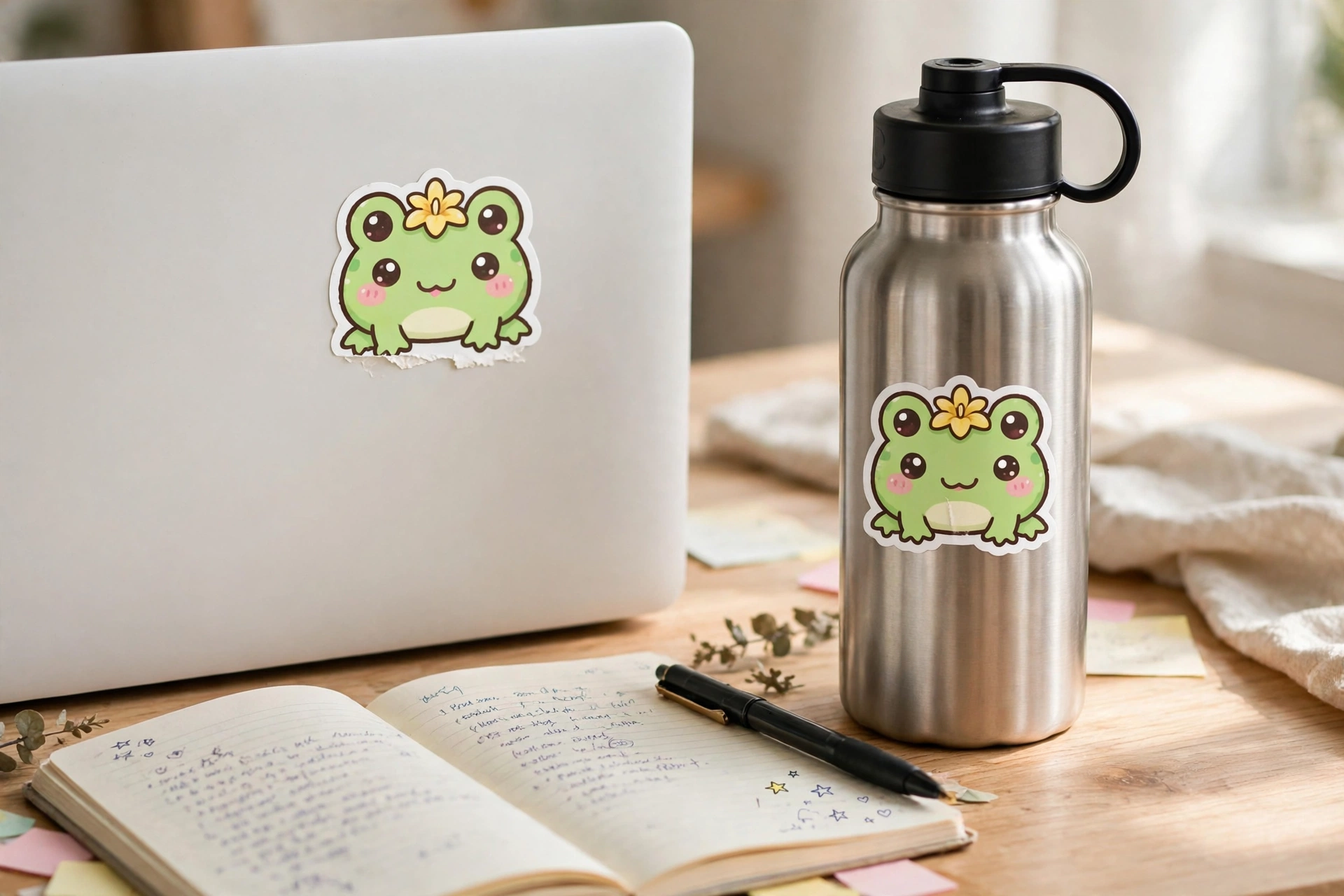
Here is the Cute Frog sticker in action, stuck on a white laptop lid and on a water bottle, sitting on a bright desk next to a notebook. The bright green stands out clearly against the white laptop, and the sunny yellow accents catch the light without looking loud. This is the kind of sticker that makes a plain desk look like it belongs to someone with a bit of personality.
About the white background: please read this first
Please note one honest detail about this file. The design has a solid white background, not a transparent one. Our image tool cannot produce transparency, so the PNG you download is a white square with the frog and the lily pad drawn on it. This is not a mistake. It simply means you should print it on white sticker paper and cut close to the frog, so no white edge shows around the artwork.
Two things are worth avoiding. First, do not print it on coloured sticker paper, because the white square around the frog would show as a pale block. Second, do not leave a wide white margin when you cut, because the sticker will look like a white square with a frog in it instead of a frog shaped sticker. Trim close to the lily pad edge and the frog will look like a proper die-cut sticker. If you need a truly transparent version, you can remove the white background with a free background remover tool before printing.
Fun ways to use your frog stickers
One frog is lovely, but a small pile of them opens up all sorts of uses. Print a sheet of small frogs and use them as reward stickers for kids, on homework or reading charts. Stick one on the inside cover of your planner next to your goals for the month. It is hard to feel gloomy about a to do list when a frog is smiling at you. If you need a planner to go with it, our free printable daily planner PDF is a good place to start. You can also stick one on a plain white gift box for a birthday, or keep a spare in your journal as a bookmark.
Questions about the Cute Frog design
What size should I print the sticker?
About 2.5 to 3 inches wide suits a laptop lid. Go smaller, about 2 inches, for a water bottle or a phone case.
Can I print it on coloured sticker paper?
No, stick to white sticker paper. The file has a solid white background, so on coloured paper the white square around the frog would show. Print on white paper and trim close to the frog instead.
Will it survive on a water bottle?
Yes, if you protect it. Cover the printed sticker with clear packing tape before you stick it on, and wash the bottle by hand.
Do I need a cutting machine?
No. The lily pad is one smooth round curve, so sharp scissors follow it easily. A cutting machine is handy if you are making a whole sheet, but it is not needed.