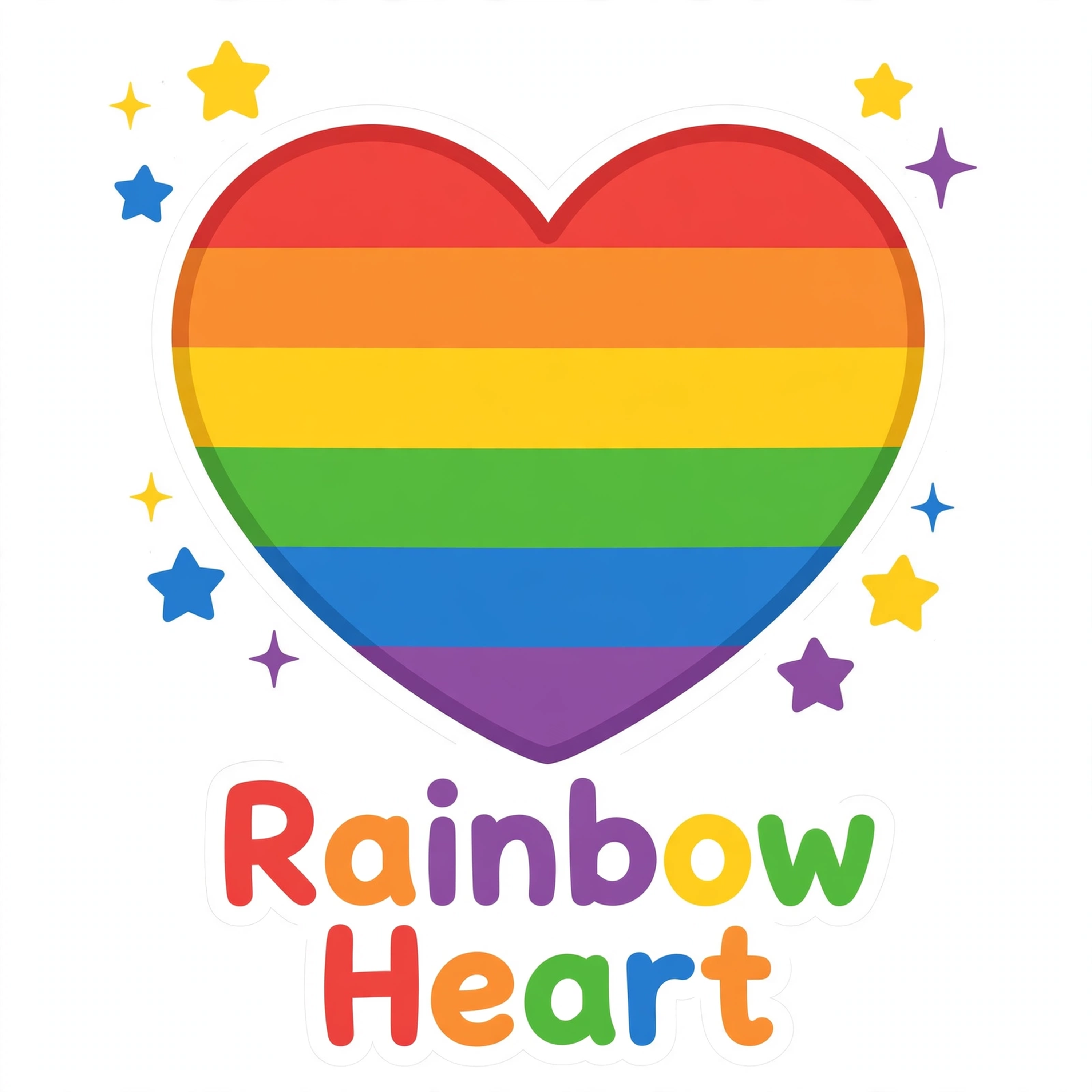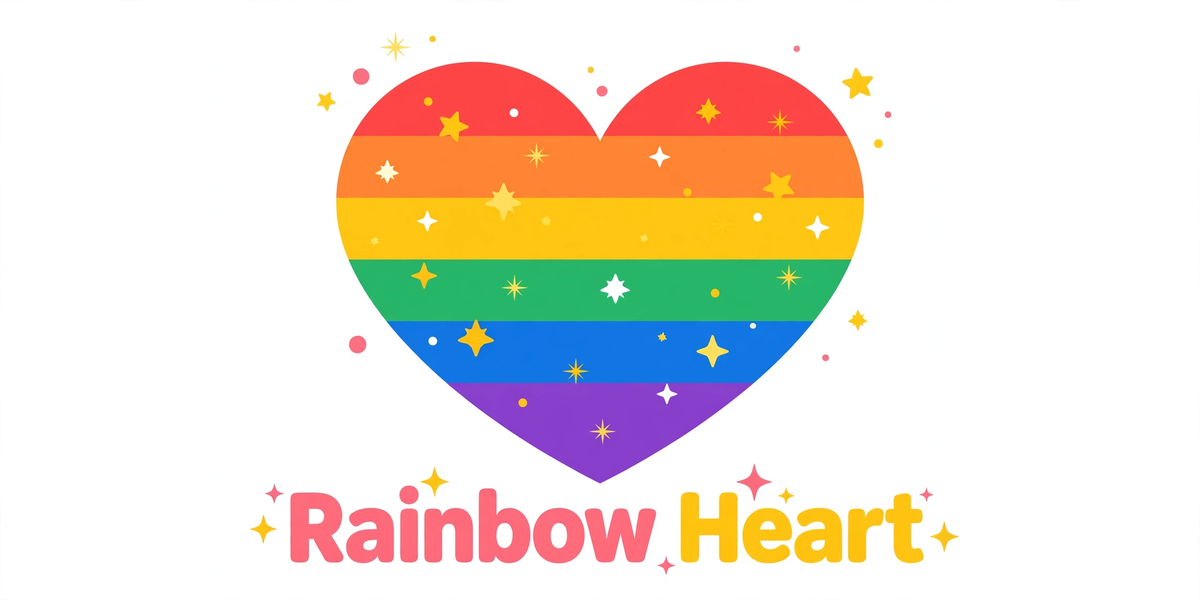
A rainbow heart is one of those designs that makes people smile before they even read the words underneath it. This Rainbow Heart sticker has a big heart filled with bright rainbow stripes, a scatter of small stars around it, and the words Rainbow Heart in soft rounded letters below. It is cheerful without being loud, and it works just as well on a school notebook as it does on a laptop lid or a water bottle. The file is free to download, and you do not need to sign up or share an email address to get it.
The design was drawn to be printed at home on sticker paper, so you can make as many copies as you like for yourself, your family, or your classroom. Print one for a birthday card envelope, a few for a party favour bag, or a whole sheet to share with friends. If you like this playful style, our free sticker design PNG, Happy Avocado and our free sticker design PNG, Coffee Cup Doodle are two more designs in the same collection, with the same friendly feel and the same easy printing. You can browse the whole Sticker Designs collection to build a full sticker set.
What is inside the free file
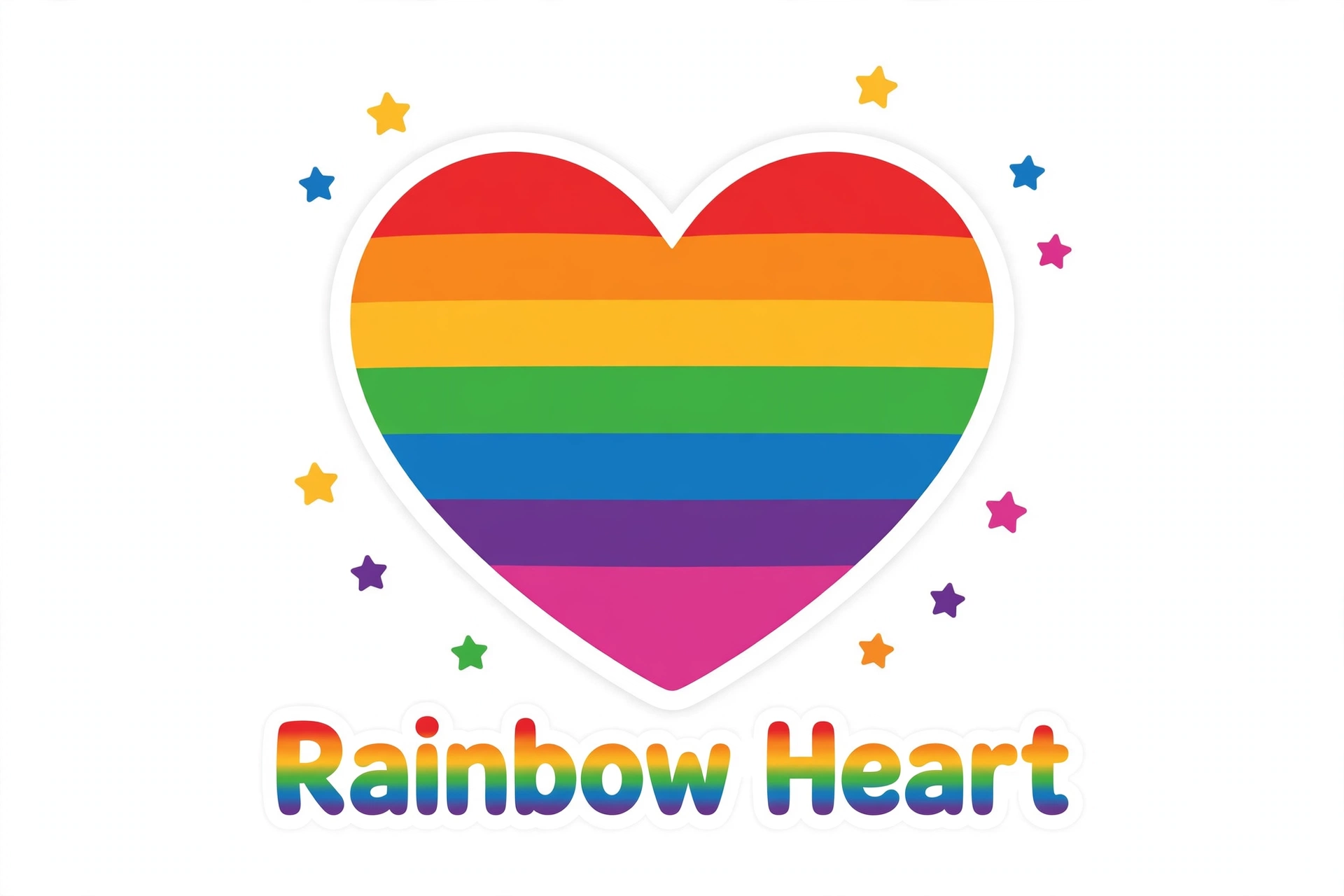
The download is a single square PNG file, 3000 by 3000 pixels, which is large enough to print a crisp sticker up to about 8 inches wide. The rainbow stripes run across the heart in red, orange, yellow, green, blue and purple, and the small stars around the heart give the design a light, happy finish. The rounded letters under the heart are thick and easy to read, even when the sticker is printed small. Because the colours are flat and bold, the design prints well on a basic home printer and does not need a photo quality machine to look good.
- One high resolution PNG file, 3000 by 3000 pixels, ready to print at home.
- A rainbow striped heart with small stars and rounded Rainbow Heart lettering.
- Bright flat colours that stay vivid on white sticker paper.
- Free for personal use, with no sign-up and no email needed.
- Prints well at any size from a small 2 inch laptop sticker to a large 8 inch notebook sticker.
One file is all you need. Open it in any photo viewer or word processor, set the size you want, and print it on sticker paper. No special software is needed.
Pick the right sticker paper
Sticker paper is not all the same, and the paper you choose changes how the rainbow colours look and how long the sticker lasts. The table below compares the four kinds you are most likely to find in a stationery shop or online:
| Paper type | Finish | Best for | Watch out for |
|---|---|---|---|
| Matte white vinyl | Soft, no shine | Laptops, notebooks, and planners | Colours look a little softer than on glossy paper |
| Glossy white vinyl | Bright shine | Water bottles and phone cases | Fingerprints show more easily on the shiny surface |
| Inkjet sticker paper | Matte or glossy | Home inkjet printers | Smudges if it gets wet, unless sealed |
| Laser sticker paper | Matte or glossy | Home laser printers | Check the pack says laser safe before you print |
For most people, matte white vinyl is the best first choice. It sticks well, it peels off cleanly from most smooth surfaces, and the rainbow colours still look bright on it. Glossy vinyl is the better pick for a water bottle, because the shiny coating shrugs off splashes better than matte paper. Match the paper to your printer type, because the wrong pairing can smear or jam.
Print settings that keep the rainbow bright
Rainbow designs show every print mistake, because a dull red or a washed out blue is easy to spot next to the other stripes. A few settings make a big difference, so run through this short checklist before you print a full sheet:
- Set the print quality to Best or High in your printer settings. Draft mode saves ink but leaves the stripes pale and banded.
- Choose the paper type in the printer menu to match your sticker paper, such as Glossy Photo Paper or Matte Photo Paper. The printer lays down the right amount of ink for that surface.
- Print one test sticker on plain paper first. Check that the heart is centred, the stars are sharp, and the colours look even.
- Turn off any ink saving or economy mode. It thins out the colours and the purple and blue stripes suffer most.
- Let the sheet dry for a minute before you touch it. Inkjet ink sits on top of sticker paper and smudges easily while it is still wet.
- If the colours look too dark, lower the saturation by a small step in your printer settings and test again, rather than changing the file itself.
Print the design at 100 percent scale unless you want a smaller sticker.
Cutting the sticker out neatly
A clean cut is what makes a home printed sticker look shop bought. The heart shape has gentle curves, so take your time and follow the outline slowly. Sharp scissors work well for the big curves, while a craft knife and a cutting mat give a neater edge around the tight dip at the top of the heart. Cut just inside the white edge so no pale border is left, but stay outside the coloured stripes so you do not nick the artwork. A cutting machine can trace the heart shape and cut a whole sheet at once if you own one.
- Use sharp scissors or a fresh craft knife blade for a smooth edge.
- Cut on a cutting mat or a thick piece of cardboard to protect your table.
- Turn the paper, not the scissors, when you reach a curve.
- Trim the small stars with the knife tip if scissors feel too clumsy.
- Peel the backing slowly from one corner so the sticker does not curl.
About the white background: please read this first
Please note one honest detail about this file. The design has a solid white background, not a transparent one. Our image tool cannot produce transparency, so the PNG you download is a white square with the Rainbow Heart artwork drawn on it. This is not a mistake. It simply means you should print it on white sticker paper, where the background blends into the paper and the sticker looks like it was drawn straight onto the sheet.
Two things are worth avoiding. First, do not print it on coloured or clear sticker paper, because the white square around the heart and stars would show as a pale block. Second, cut close to the artwork, following the heart outline and the letters, so no white border is left around the design. If you need a truly transparent version, you can remove the white background with a free background remover tool before printing. For most home printing, white sticker paper and a close cut are all you need, and the result looks clean and finished.
How it looks
Here is the design printed as stickers on a laptop lid and a water bottle. The rainbow stripes stay bright on the white vinyl, the stars read clearly even at a small size, and the rounded letters are easy to read from across a desk. It is a cheerful sticker for a school bag, a work laptop, or a gift bottle.

Five places this sticker looks great
The rainbow heart is a friendly design, so it fits in more places than you might expect. Here are five ideas to get you started:
- Laptop lid: one large sticker in the centre, or a small one in a corner among your other stickers.
- Water bottle: a medium sticker on glossy vinyl, sealed with a clear overlay so it survives washing.
- Notebook or journal cover: a small sticker near the title, where the bright colours lift a plain cover.
- Party favour bags: a small sticker to seal each bag, with a matching rainbow ribbon if you have one.
- Greeting cards and envelopes: a tiny sticker as a seal on the back of the envelope, or on the card itself.
Because the design is so colourful, it pairs best with plain backgrounds. A white laptop, a clear bottle, or a kraft paper bag lets the rainbow stripes do all the talking.
Make the sticker last longer
Home printed stickers are not waterproof on their own, so a little care goes a long way. The simplest trick is to cover the printed sticker with a piece of clear self adhesive vinyl or clear packing tape before you cut it out. This thin clear layer keeps water and rubbing away from the ink, and it adds a light shine that suits the rainbow colours. Stick to these habits and your stickers will look fresh for months:
- Seal inkjet printed stickers with clear vinyl or tape before cutting them out.
- Stick them on clean, dry, smooth surfaces, and press the edges down firmly.
- Hand wash bottles with stickers on them, and avoid soaking them in the sink.
- Keep spare stickers in a dry drawer, away from direct sunlight, so the colours do not fade.
If a sticker starts to lift at one edge, press it back down firmly with your thumb and leave it alone for a few hours. The adhesive often re-bonds on its own.
Questions about the Rainbow Heart design
What size should I print the sticker?
About 3 to 4 inches wide suits a laptop or a water bottle. For a notebook, 2 to 3 inches is about right, and for a party bag seal, 1.5 to 2 inches works well. The file is 3000 by 3000 pixels, so it stays sharp at any of these sizes.
Can I print it on coloured sticker paper?
No, please use white sticker paper. The design has a solid white background, so on coloured paper the white square would show around the heart. If you only have clear sticker paper, remove the white background with a free background remover first.
Will the sticker survive on a water bottle?
Yes, if you print it on glossy vinyl and seal it with a clear overlay. Hand wash the bottle and do not leave it soaking, and the sticker will last for months of daily use.
Can I sell stickers printed with this design?
This file is free for personal use at home or in the classroom. If you plan to sell printed stickers made with it, check our Terms of Use first.