
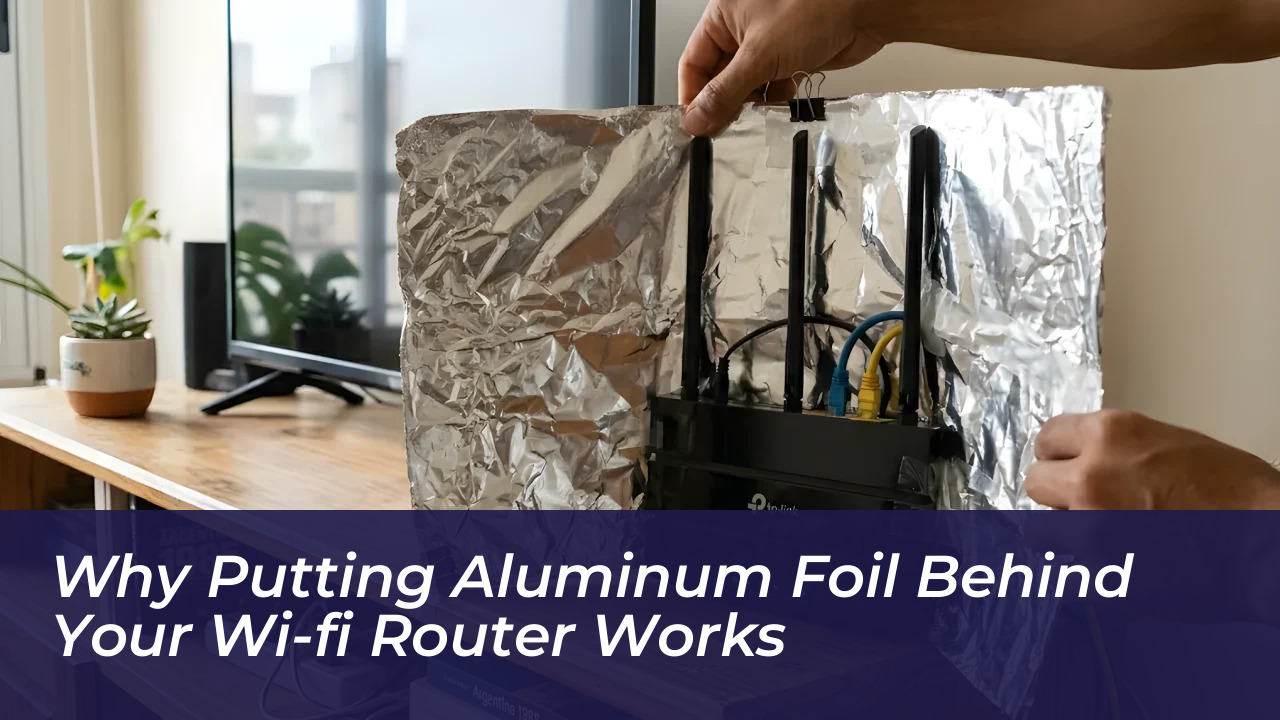

It is common for home Wi-Fi signals to fail or weaken in certain areas, leaving rooms with poor internet connections and constant buffering. A popular viral trick promises to solve this problem simply by putting aluminum foil behind the router. Because aluminum is a conductive material, it acts as a reflector that redirects radio waves toward the areas of the house that need coverage the most.
What Putting Aluminum Foil Behind the Router Actually Does
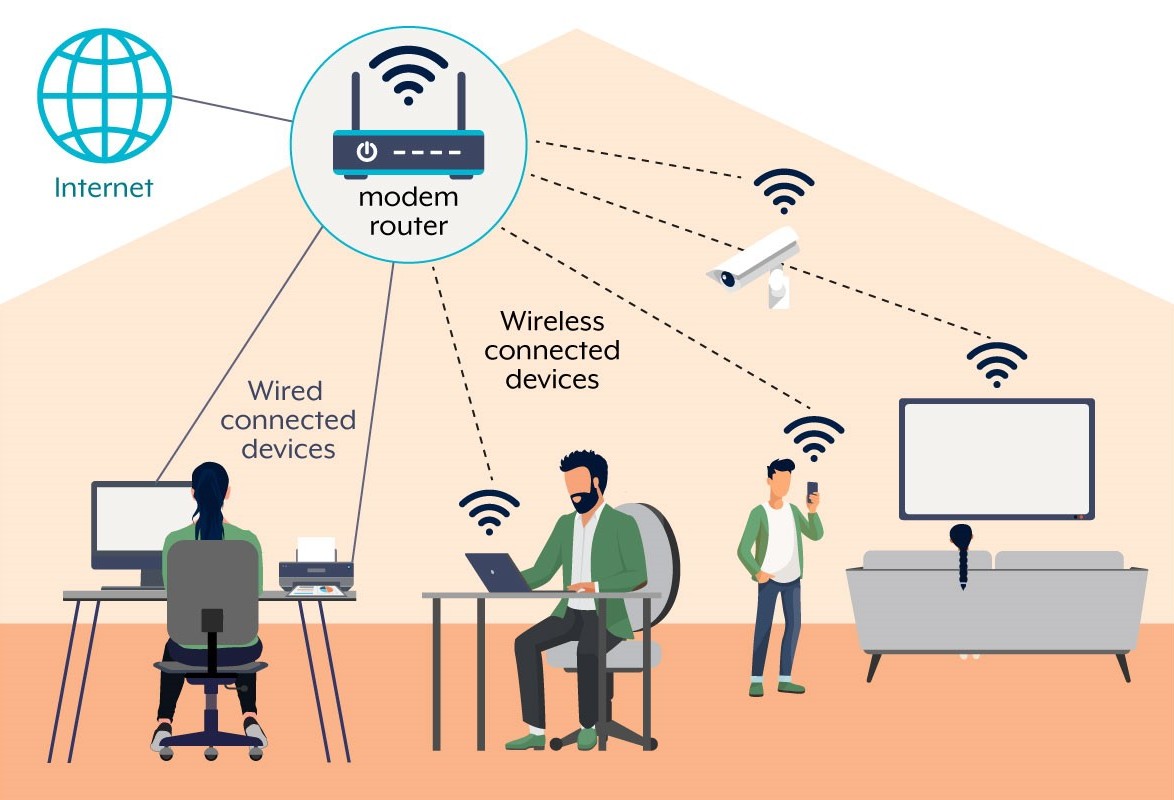
Standard home routers broadcast omnidirectional signals equally in all directions, creating a coverage pattern that resembles a donut. This means that a significant portion of your internet bandwidth is wasted broadcasting uselessly into exterior walls, windows, or empty hallways.
When you place a sheet of aluminum foil behind the modem, it operates similarly to the mirror inside a flashlight or a satellite dish. The metal catches the electromagnetic waves that would otherwise travel backward and bounces them forward. According to Eric Siu, a product manager at Linksys, the foil concentrates the existing signal into a narrower beam in front of the reflector while weakening it behind the device.
What Research and Experts Say About the Wi-Fi Foil Hack
While the trick often sounds like an unverified internet myth, academic research confirms the underlying physics. In 2017, computer scientists and engineers at Dartmouth College led by assistant professor Xia Zhou developed a project called WiPrint. Their controlled laboratory tests using custom 3D-printed reflectors wrapped in aluminum foil showed signal strength improvements of up to 50 percent in target areas, alongside a significant drop in signal power in suppressed directions.
Swarun Kumar, a researcher at Carnegie Mellon University, noted that the concept makes complete sense from a physical standpoint. However, experts emphasize that the foil does not create extra power or magically upgrade a slow internet service plan; it merely reshapes the coverage you already have.
How to Try the Aluminum Foil Router Trick Safely
If your router sits against an exterior wall or in a corner and you want to favor one specific room, you can test a basic reflector at home by following these steps:
- Unplug your Wi-Fi router to ensure safety during handling.
- Cut a piece of kitchen aluminum foil roughly 12 inches long (30 cm) or about the size of an A4 sheet.
- Bend the foil into a gentle, curved shape, resembling a small satellite dish with the shiny side facing inward.
- Stand or tape the foil just behind the router’s external antennas, pointing the open side toward the room where you need a better signal.
- Ensure the foil does not block ventilation slots. Routers generate heat, and trapping it with tight wrapping can shorten the device’s lifespan.
- Plug the router back in and run speed tests in your problem areas to measure the performance difference.
Limitations and When to Consider Alternatives
While ad-hoc kitchen foil hacks can yield a modest 10 to 20 percent improvement in home tests, they are not a universal cure for severe network issues. Foil cannot penetrate thick brick or concrete walls, bypass large metal appliances, or fix a router hidden improperly inside a low cupboard.
If your connection problems persist despite trying a signal reflector, more robust solutions include repositioning your modem to a central location, installing a Wi-Fi range extender, or investing in a modern mesh network system for comprehensive whole-home coverage.